Selecta
PBL200051, Rev J
86 Maintenance
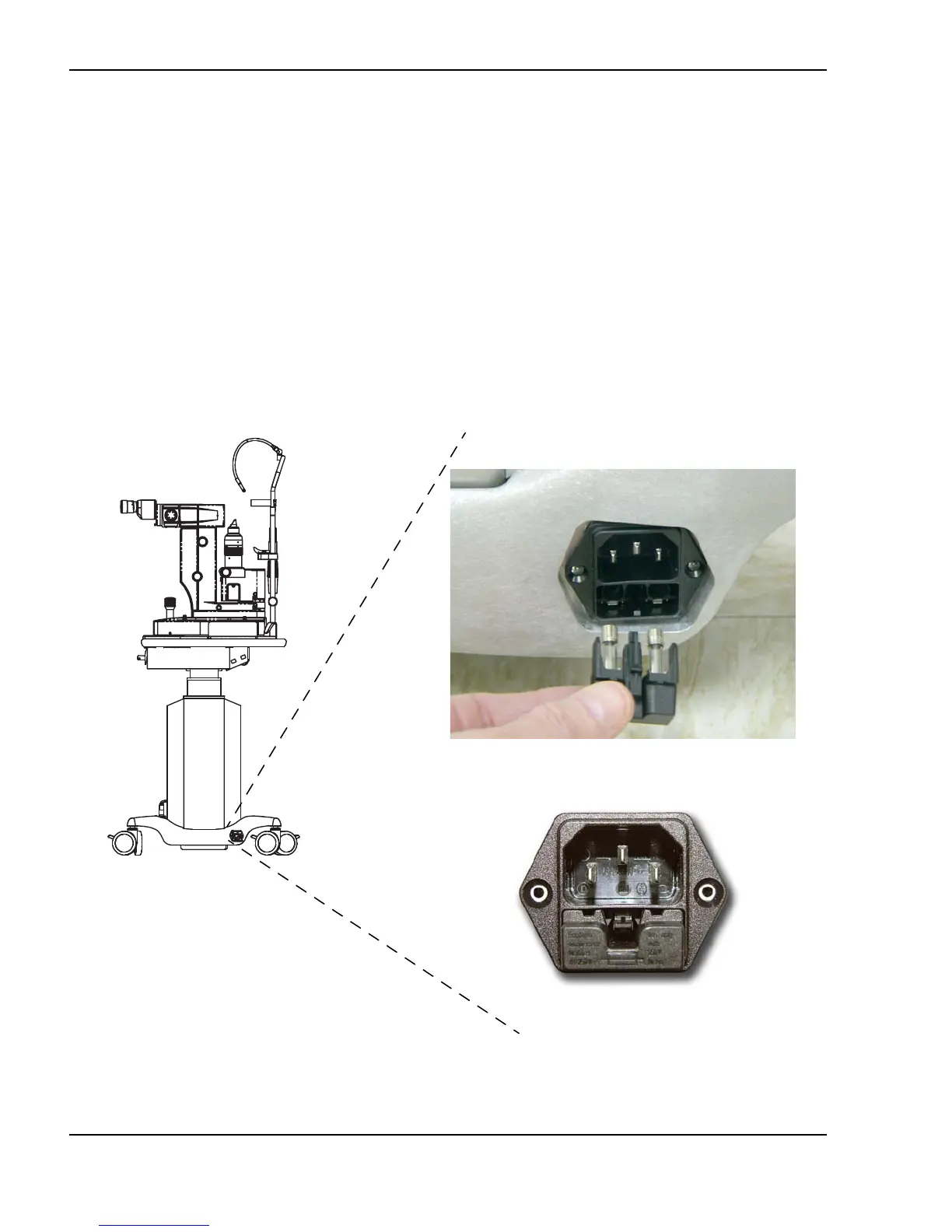
Changing the Fuses
1 Turn off the system.
2 Remove the power plug from the wall receptacle and unplug the cord from the
system’s main power receptacle.
3 Locate the electrical input module, which is adjacent to the main power
receptacle.
4 Unlock the electrical input module cover by inserting a small flathead
screwdriver into the slot. Gently push against the locking tab until the lock
releases. Remove the fuse cover.
Changing the fuses
Electrical module
Installing new fuses



 To Next Page