Selecta
PBL200051, Rev J
60 Operation
Remote Control System Options
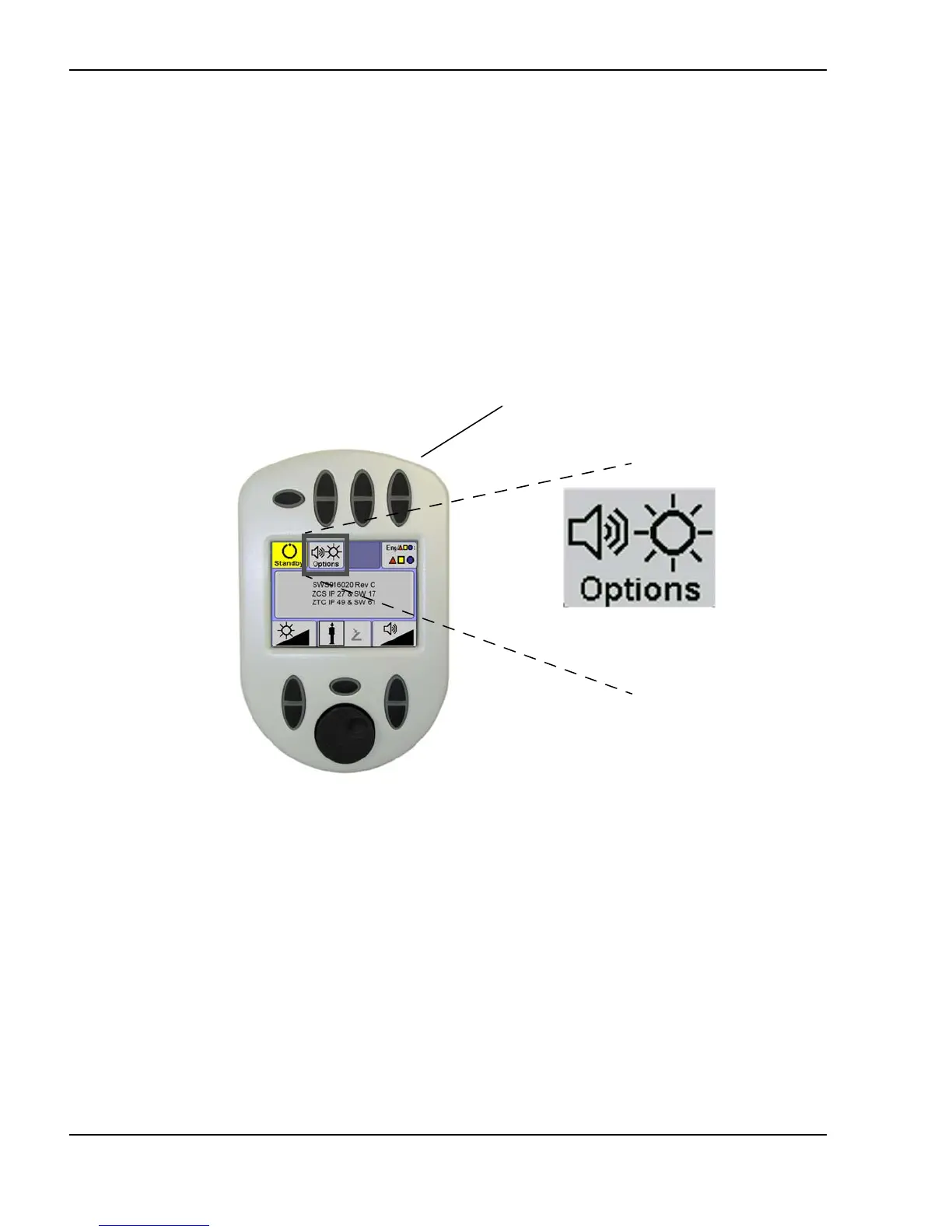
Select the options screen
The Selecta remote control options screen is where you can set system
preferences such as the volume of system beeps, the interface language, and
whether the treatment laser is activated by the joystick pushbutton or a
footswitch. To enter the options screen, press the options toggle on the top
right of the remote control. To return to the laser treatment screens, press the
options toggle again.
Selecting the options screen
(Options screen shown)
Options toggle
(on top side)
(shown only when
the options screen is
active)



 To Next Page