169441 139 Revision D
4.6 Electrical System
The electrical wires and connectors that connect the header lights should be secured to avoid damage.
Use electrical tape and wire clips as required to prevent wires from dragging or rubbing. Keep lights clean and replace
defective bulbs.
4.6.1 Replacing Light Bulbs
If a light bulb on the header is burnt out or damaged, it will need to be replaced.
DANGER
To prevent bodily injury or death from the unexpected start-up of the machine, always stop the engine and remove the
key from the ignition before making adjustments to the machine.
1. Shut down the engine, and remove the key from the ignition.
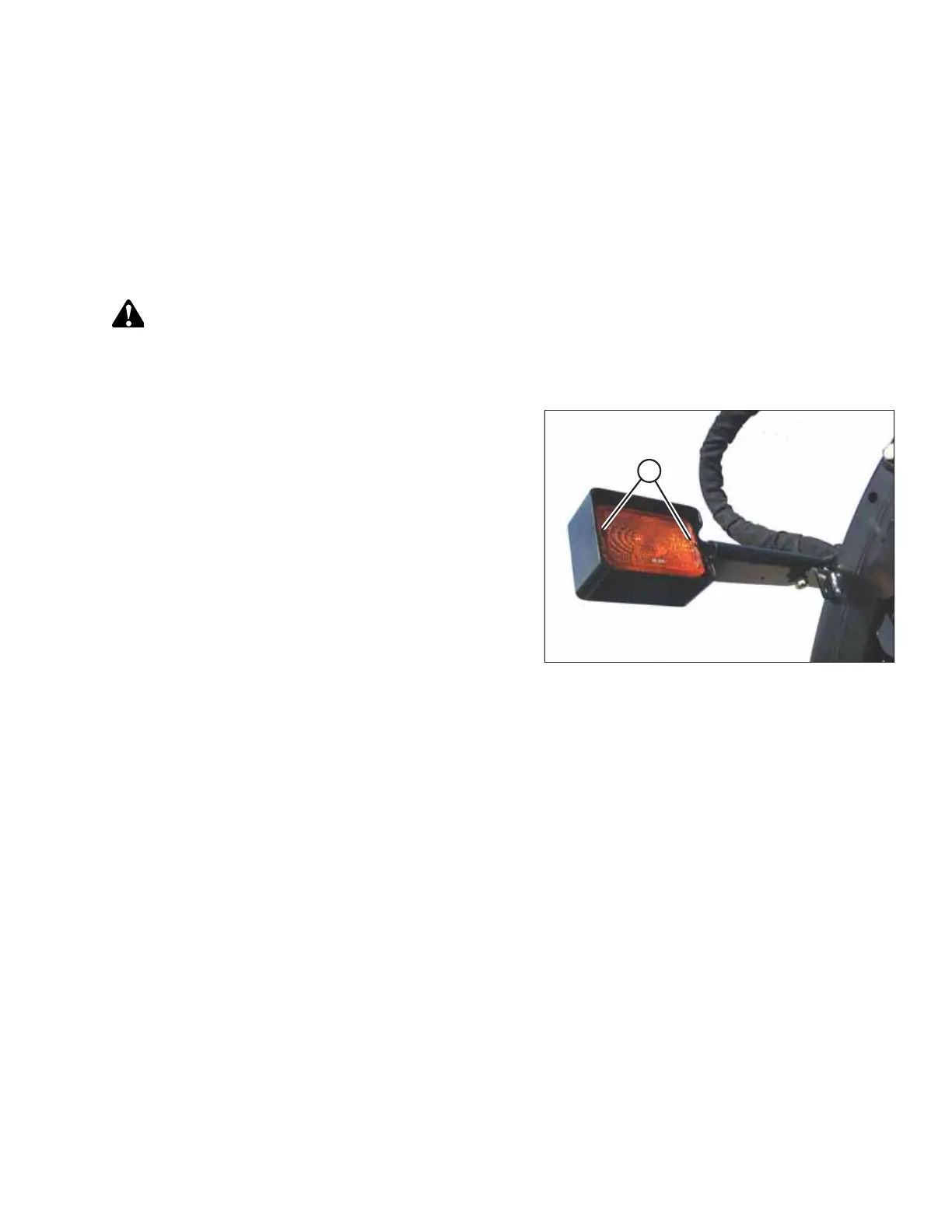
Figure 4.42: Amber Light
2. Use a Phillips screwdriver to remove screws (A) from the
fixture and remove the plastic lens.
3. Push and twist light bulb to remove from socket.
4. Install new bulb in socket ensuring that bulb base is
properly engaged in socket.
• Use Bulb Trade #1156 for amber lights
5. Reinstall lens with screws (A).
MAINTENANCE AND SERVICING



 To Next Page