169441 196 Revision D
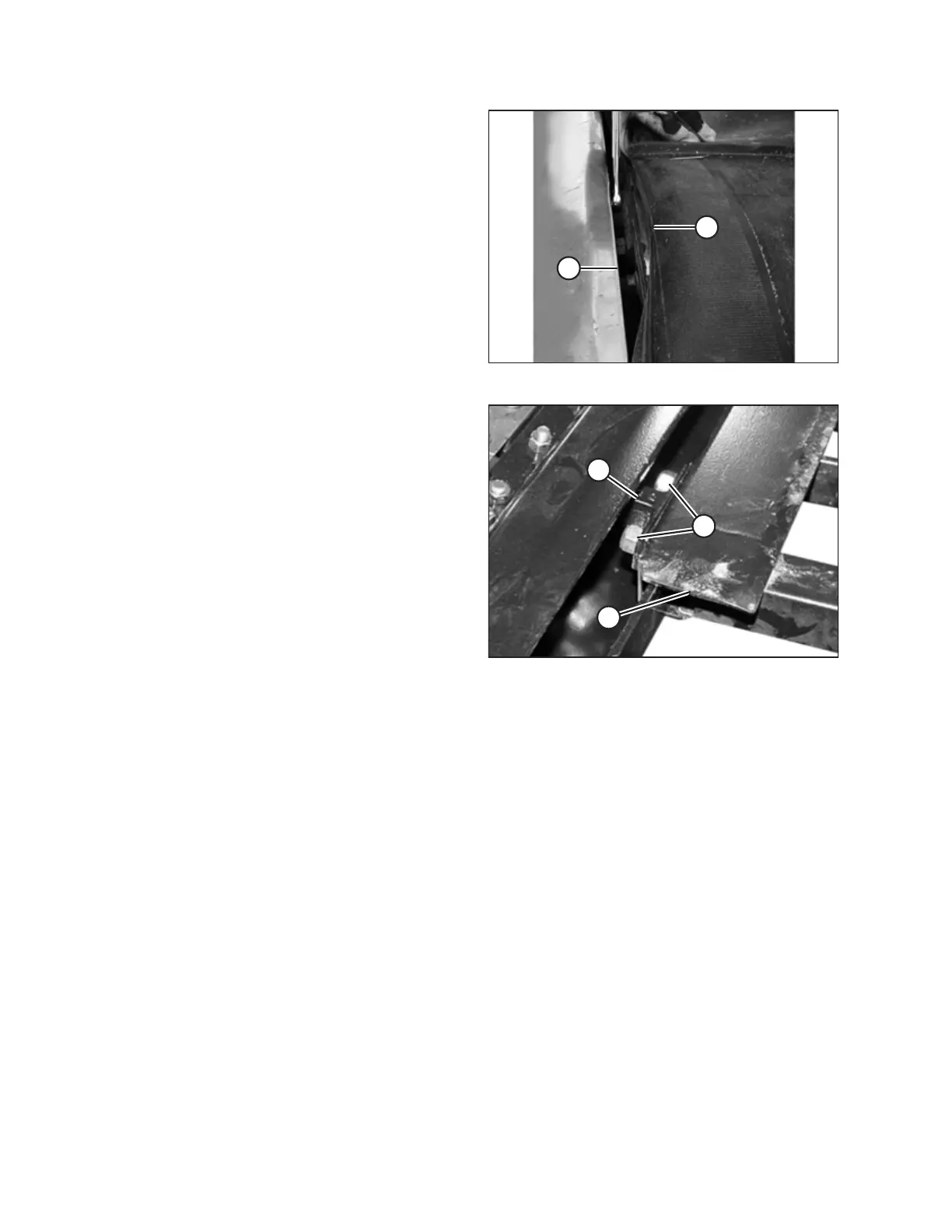
Figure 4.153: Deck Adjustment
5. Lift the front edge of draper (A) past cutterbar (B) to expose
the deck support.
Figure 4.154: Deck Support
6. Loosen two lock nuts (A) on deck support (B) by one
half-turn ONLY .
NOTE:
The deck is shown with the draper removed in the
illustration at right. Thee are two to four supports per deck,
depending on the width of the header.
7. To lower the deck relative to the deck supports, tap
deck (C) with a hammer. To raise the deck relative to the
deck supports, tap deck support (B) using a hammer
and punch.
8. Tighten deck support hardware (D).
9. Tension the draper. For instructions, refer to 4.9.1 Adjusting
Draper Tension, page 181.
MAINTENANCE AND SERVICING



 To Next Page