169441 204 Revision D
Double-Reel Drive
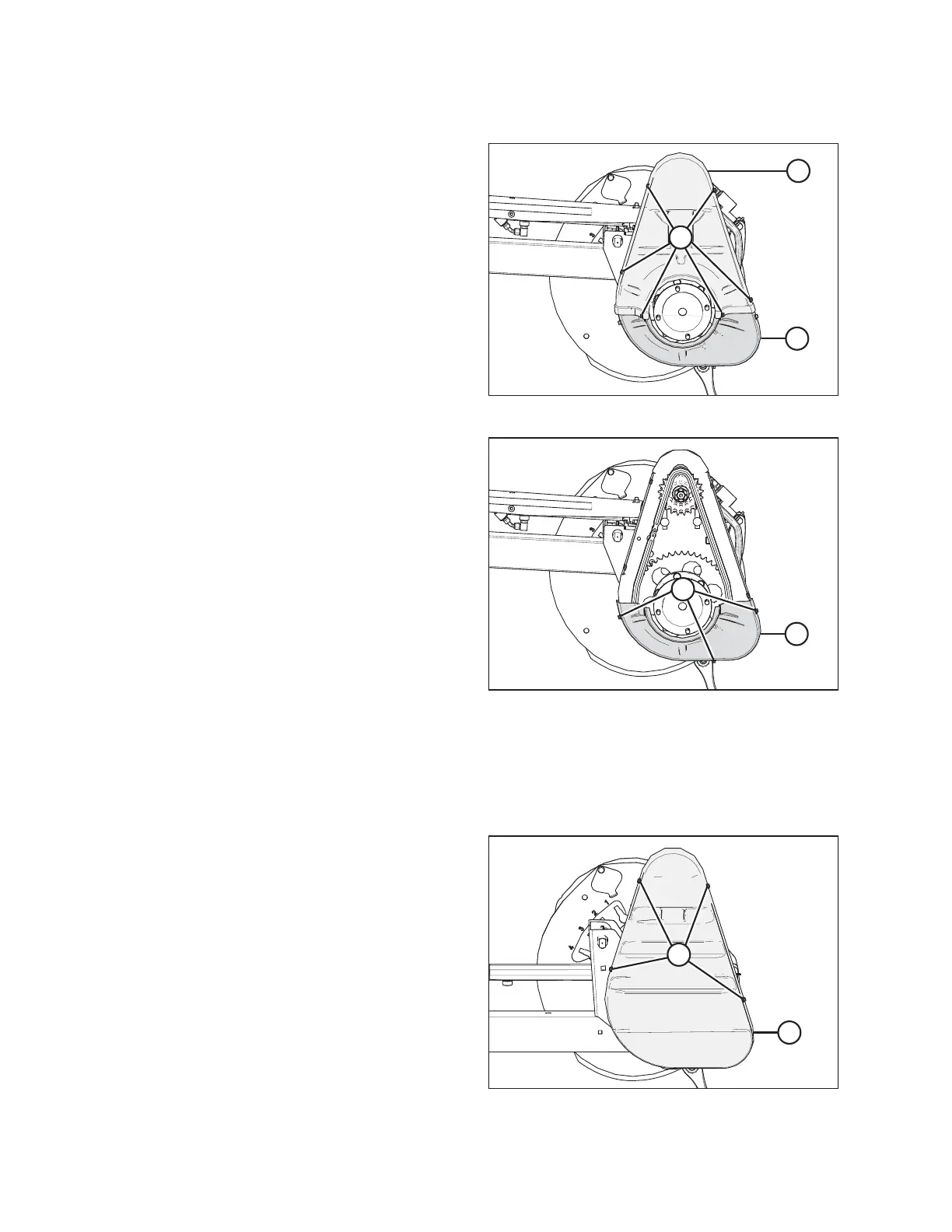
Figure 4.169: Drive Cover – Double Reel
4. Remove six bolts (A) securing upper cover (B) to the reel
drive and lower cover (C).
Figure 4.170: Drive Cover – Double Reel
5. If necessary, remove three bolts (A) and remove lower
cover (B).
Installing Reel Drive Cover
The reel drive cover protects the drive components from weather and debris.
Single-reel drive
Figure 4.171: Drive Cover – D60 Single Reel
1. D60: Position drive cover (B) onto the reel drive and secure
it with four bolts (A).
MAINTENANCE AND SERVICING



 To Next Page