169441 66 Revision D
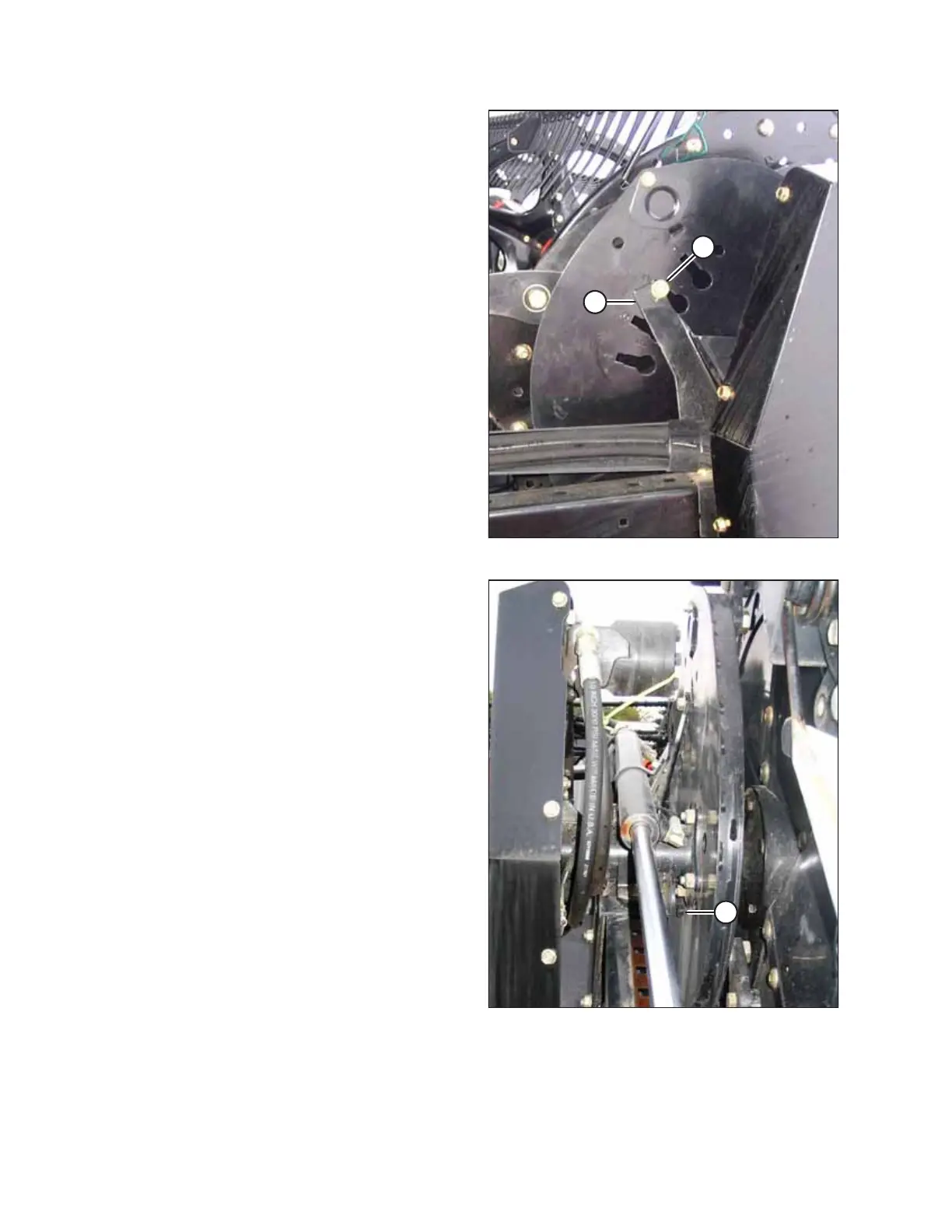
Figure 3.59: Reel Cam – D50
5. Loosen bolt (A) in the cam slot, and rotate the cam
clockwise so that the bolt disengages from cam stop (B).
6. Remove bolt (A) from the cam disc.
Figure 3.60: Reel Arm – D50
7. Rotate the cam disc to the desired position. Use a wrench
on bolt head (A) if necessary.
OPERATION



 To Next Page