215620 69 Revision A
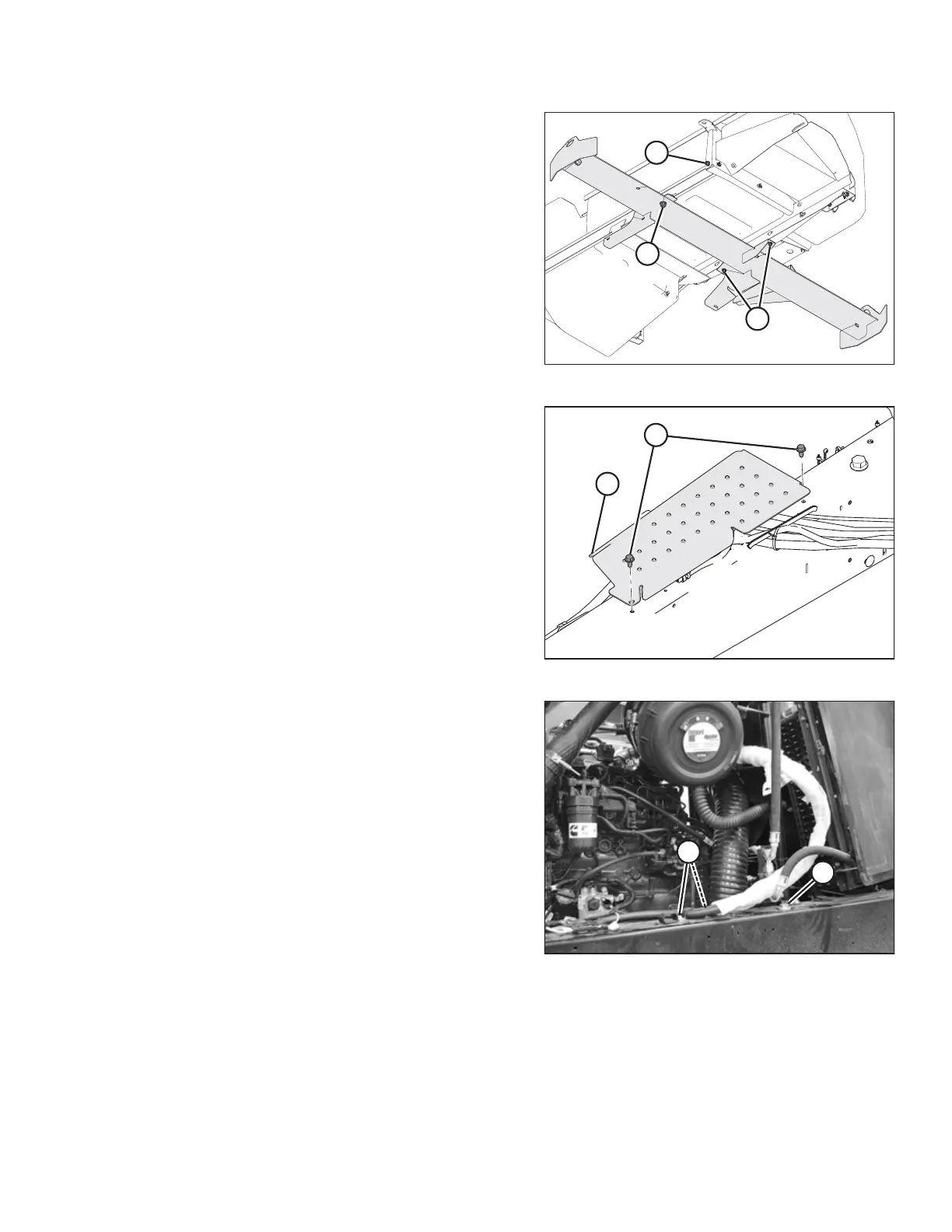
Figure 3.54: Right Platform Shipping Brackets
7. From below the right platform assembly, remove and
discard three bolts and nuts (A) and (B), and remove the
horizontal shipping channel.
8. Remove bolt and nut (C), and retain for installation.
Figure 3.55: DEF Hose Cover
9. On the right chassis frame member, remove two bolts (A)
and remove hose cover (B).
Figure 3.56: Hose Clamps on Right Frame
10. Loosen two bolts (A) securing the hose brackets and move
the hoses away from platform mounting bolt (B).
11. Remove platform mounting bolt (B) and retain for
installation.
ASSEMBLING WINDROWER



 To Next Page