Adjusting bitmap color and tone 103
Inverting an image’s color values
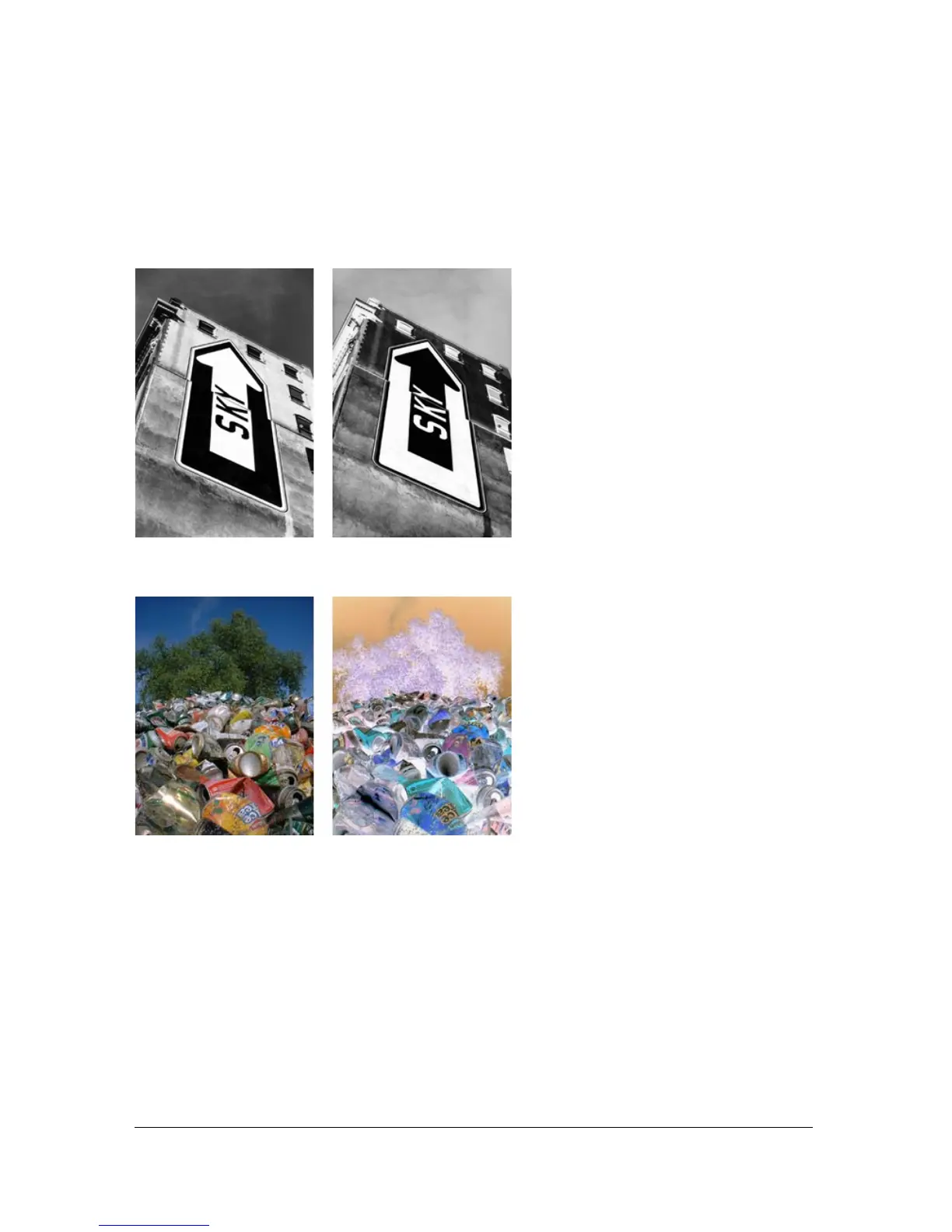
You can use Invert to change each color in an image to its inverse on the color wheel. For
example, applying the filter to a red object (R=255, G=0, B=0) changes the color to light blue
(R=0, G=255, B=255).
A monochrome image; after inverting
A color image; after inverting



 To Next Page