Working with hotspots and image maps 279
Creating rollovers with hotspots
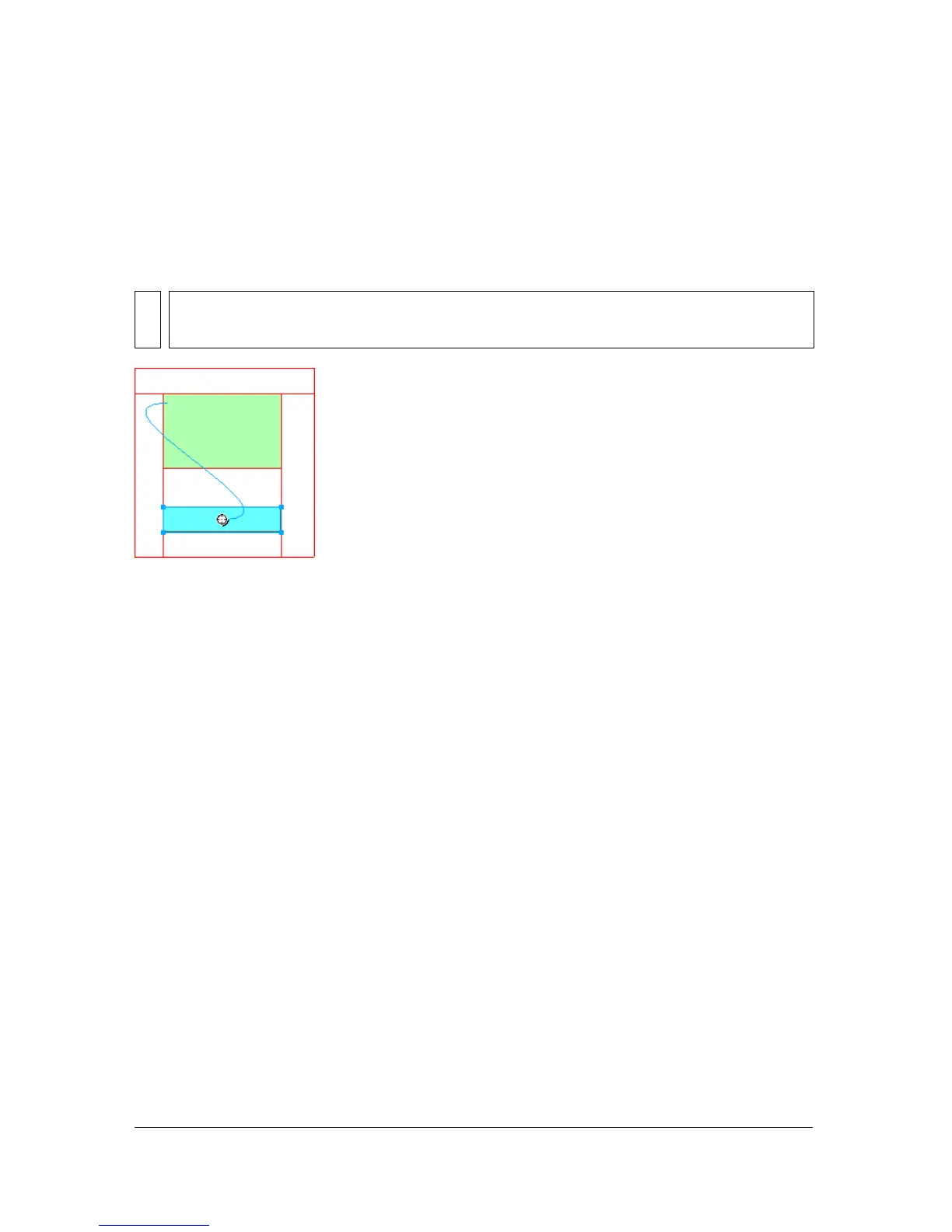
Using the drag-and-drop rollover method of creating interactivity, you can easily attach a
disjoint rollover effect to a hotspot if the target area is defined by a slice. Rollover effects are
applied to hotspots the same way that they are to slices. For more information, see “Adding
simple interactivity to slices” on page 260.
After you create a disjoint rollover with a hotspot, the connecting blue line remains visible
only while the hotspot is selected.
NOTE
A hotspot can trigger only a disjoint rollover. It cannot be the target of a rollover coming
from another hotspot or slice.



 To Next Page