58 Chapter 3: Selecting and Transforming Objects
4. Click the area of color you want to select.
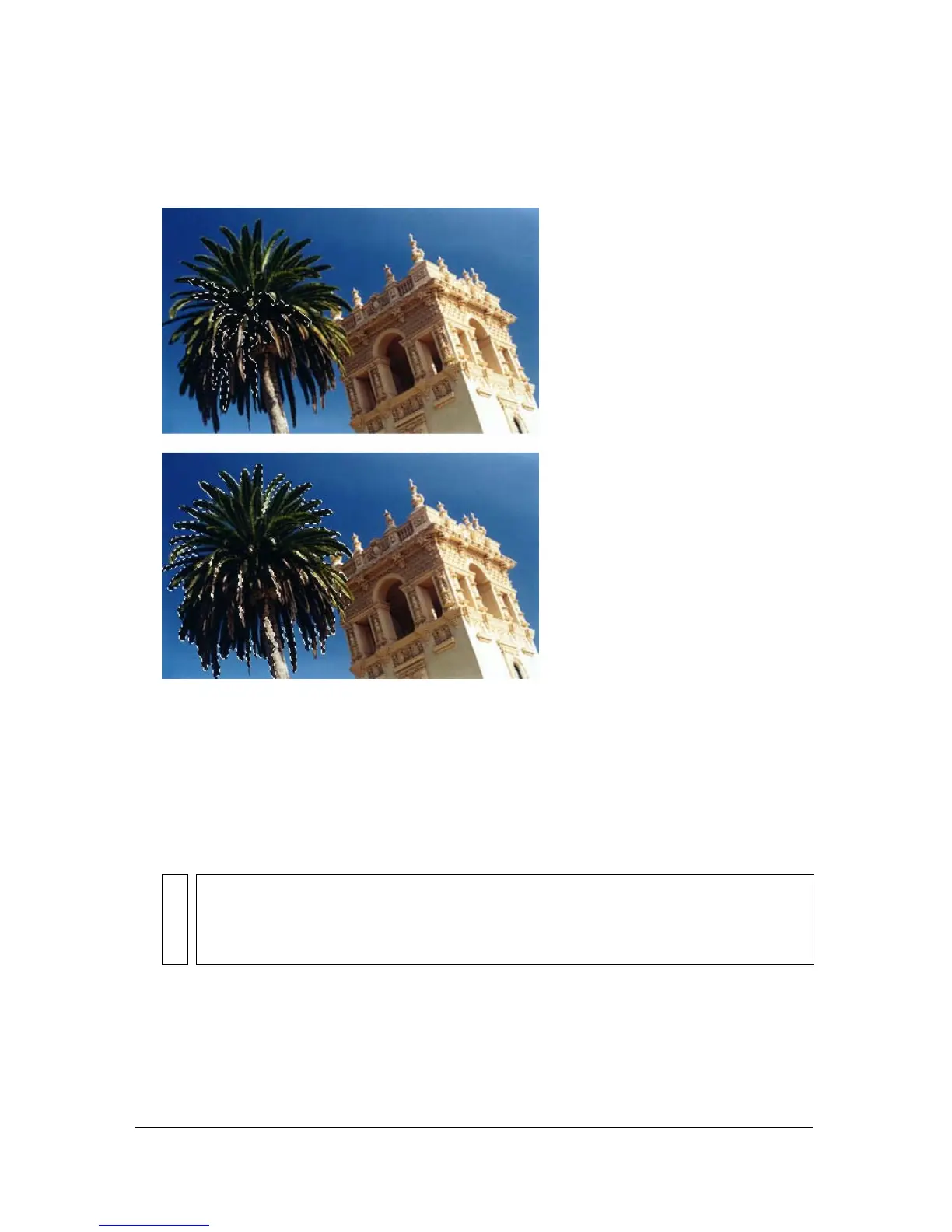
A marquee appears around the selected range of pixels.
Pixels selected with a lower tolerance (above), then a higher tolerance (below)
To select similar colors throughout the document:
1. Select an area of color with a marquee or lasso tool, or with the Magic Wand tool.
2. Select Select > Select Similar.
One or more marquees show all areas containing the selected range of pixels, according to
the current Tolerance setting in the Property inspector for the Magic Wand tool.
NOTE
To adjust the tolerance for the Select Similar command, select the Magic Wand tool
and then change the Tolerance setting in the Property inspector before using the
command. You can also select the Live marquee box so that you can change the
Tolerance setting while using the the Magic Wand tool.



 To Next Page