The Fireworks work environment 47
Using rulers, guides, and the grid
You can use rulers and guides to lay out objects as precisely as possible and to help you draw.
You can place guides in the document and snap objects to those guides or turn on the
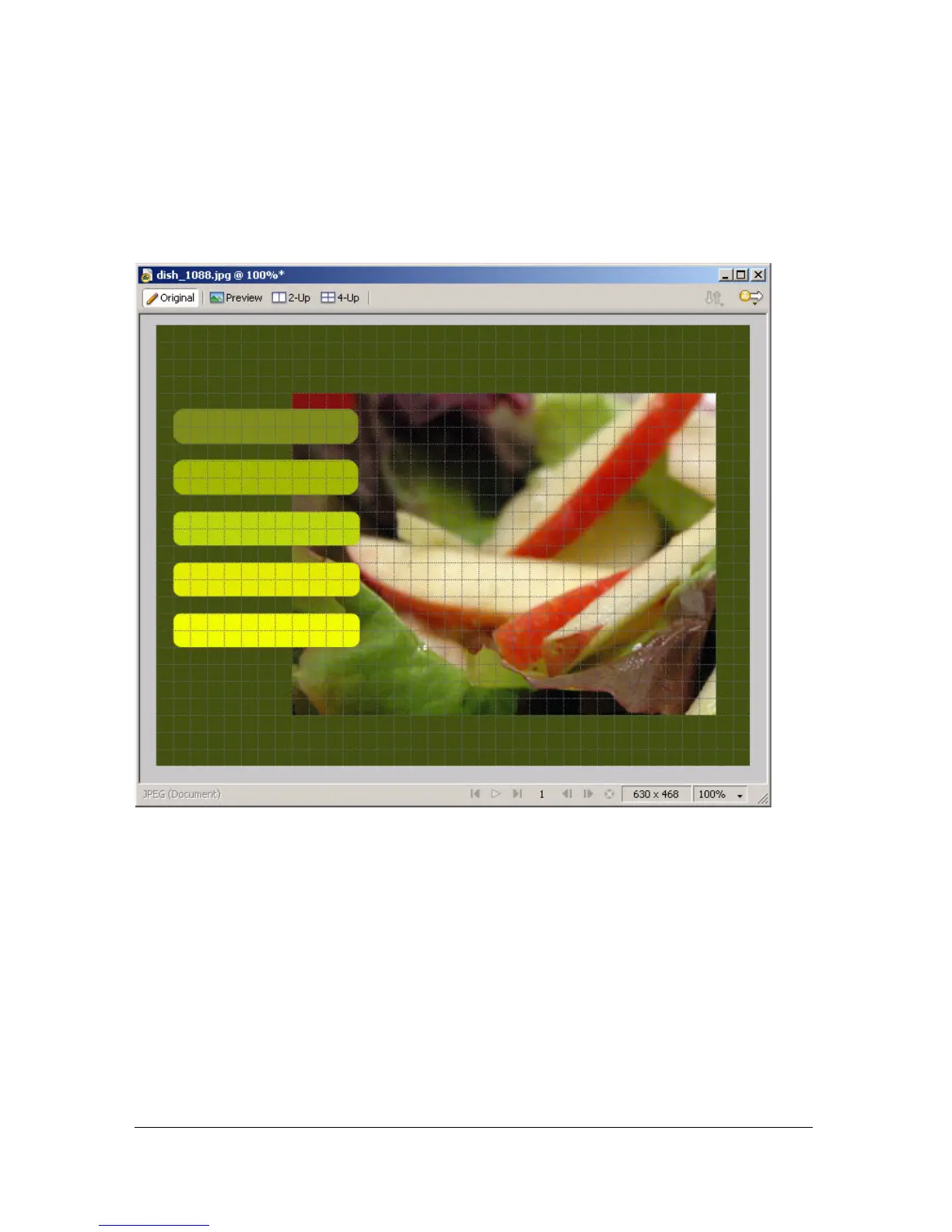
Fireworks grid and snap objects to the grid.
Using rulers
Rulers help you to measure, organize, and plan the layout of your work. Because Fireworks
images are intended for the web, where graphics are measured in pixels, the rulers in Fireworks
always measure in pixels, regardless of the unit of measurement you used when creating the
document.
To show and hide rulers:
■ Select View > Rulers.
Vertical and horizontal rulers appear along the margins of the document window.



 To Next Page