The Fireworks work environment 39
Zooming and panning
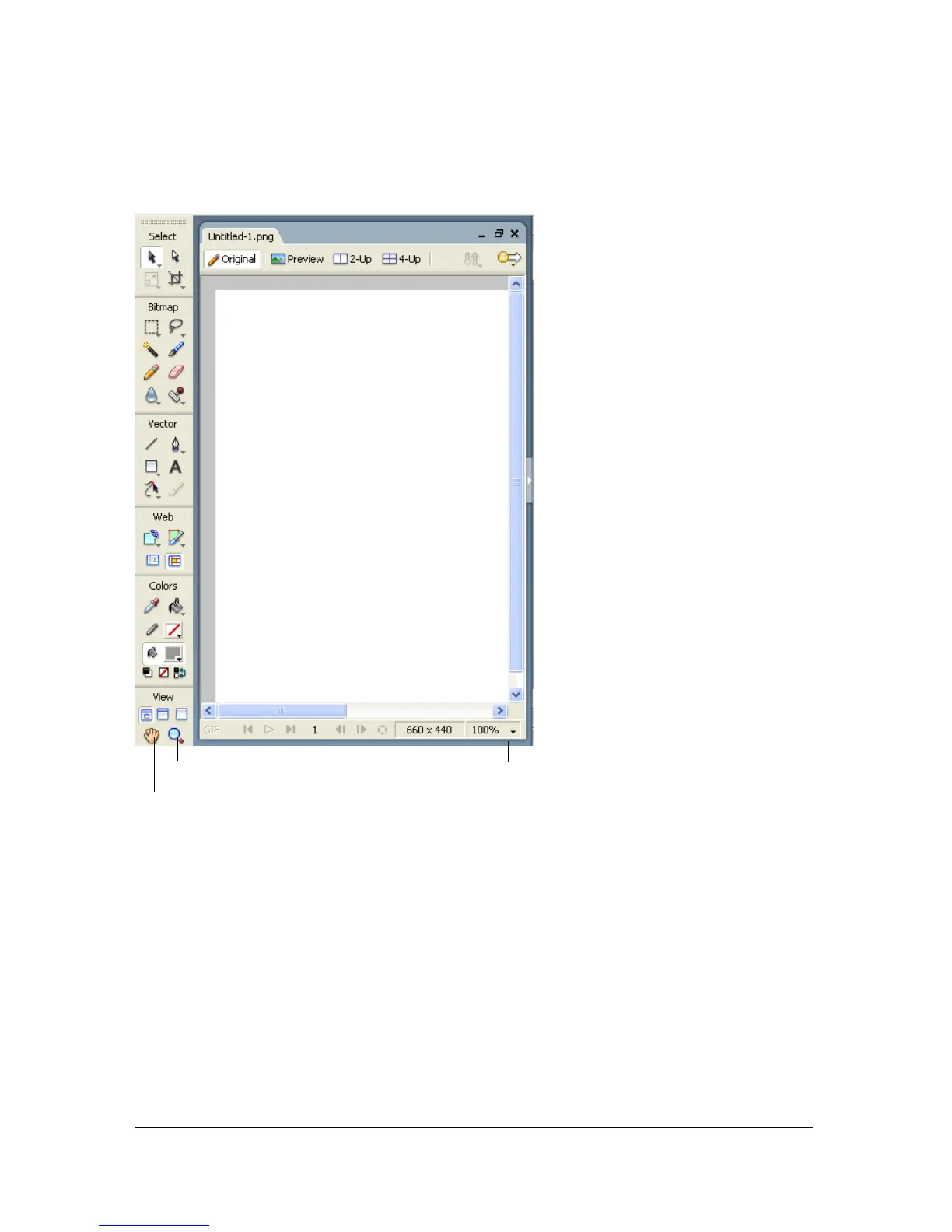
Fireworks lets you zoom in or out at a preset or user-defined magnification percentage.
To zoom in using preset increments, do one of the following:
■ Select the Zoom tool and click to specify the new center point inside the document
window. Each click magnifies the image to the next preset magnification.
■ Select a zoom setting from the Set Magnification pop-up menu at the bottom of the
document window.
■ Select Zoom In or a preset magnification from the View menu.
Zoom tool
Hand tool
Zoom pop-up menu



 To Next Page