36 Chapter 2: Fireworks Basics
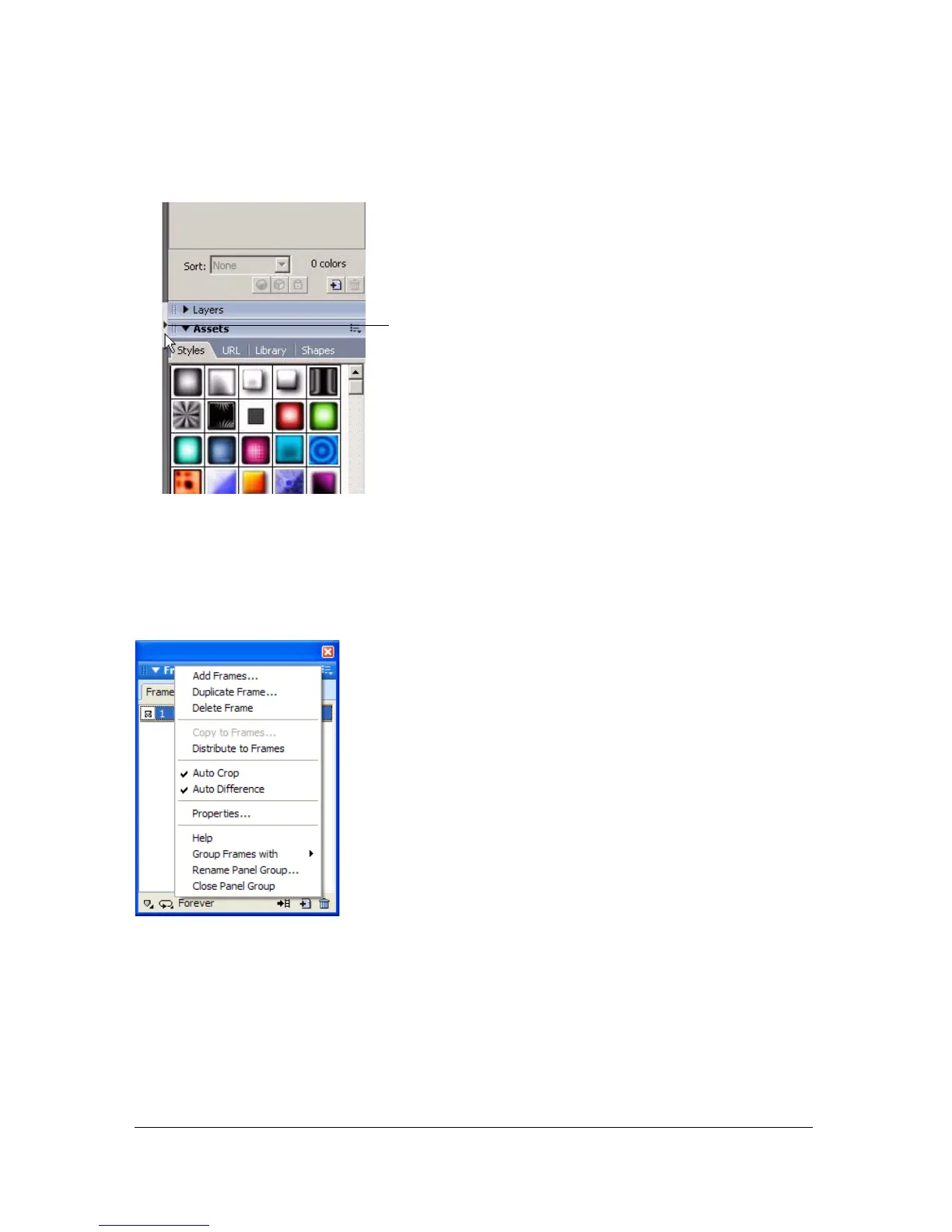
■ Click the small arrow that separates the docked panel area from the rest of the
application window.
Using the panel group or panel Options menu
Each panel group and panel has an Options menu listing a range of choices specific to the
active panel or panel group. An Options menu also appears in the Property inspector (except
in Windows when the Property inspector is undocked).
To select an option from a panel group or panel Options menu:
1. Click the Options menu icon in the upper right corner of the panel group or panel to open
the menu.
2. Select a menu item.
Click to show or hide docked panel area



 To Next Page