30 Chapter 2: Fireworks Basics
To disable the Start page:
1. Run Fireworks without opening a document.
The Start page is displayed.
2. Click Don’t Show Again.
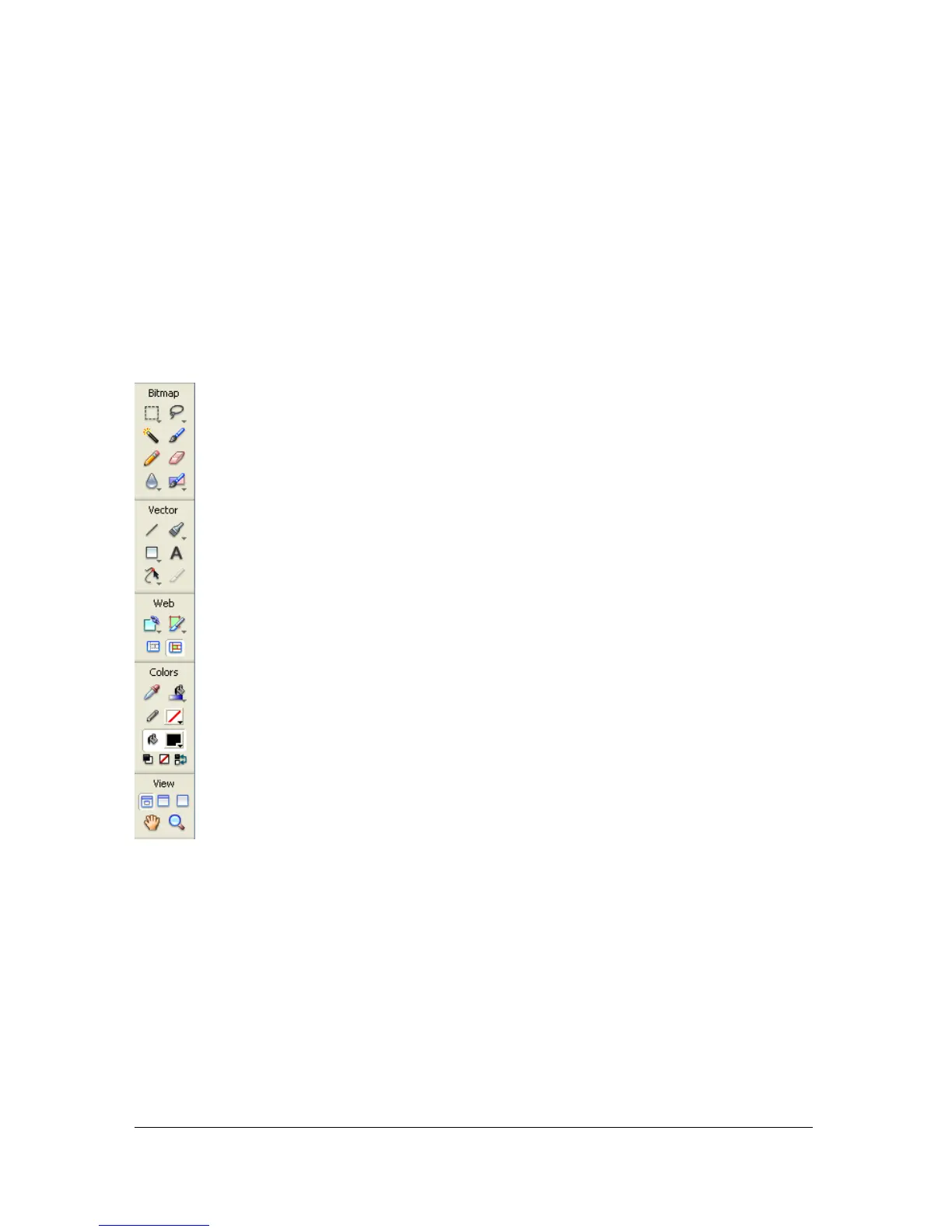
Using the Tools panel
The Tools panel is organized into six categories: Select, Bitmap, Vector, Web, Colors, and
View.
Changing tool options
When you select a tool, the Property inspector displays tool options. Some tool options
remain displayed as you work with the tool. For other tools, such as the basic shape, Pen, and
Line tools, the Property inspector displays the properties of selected objects. For more
information about the Property inspector, see “Using the Property inspector” on page 31.



 To Next Page