52 Chapter 3: Selecting and Transforming Objects
For information about selecting specific areas of pixels in a bitmap image, see “Selecting
pixels” on page 55.
Using the Pointer tool
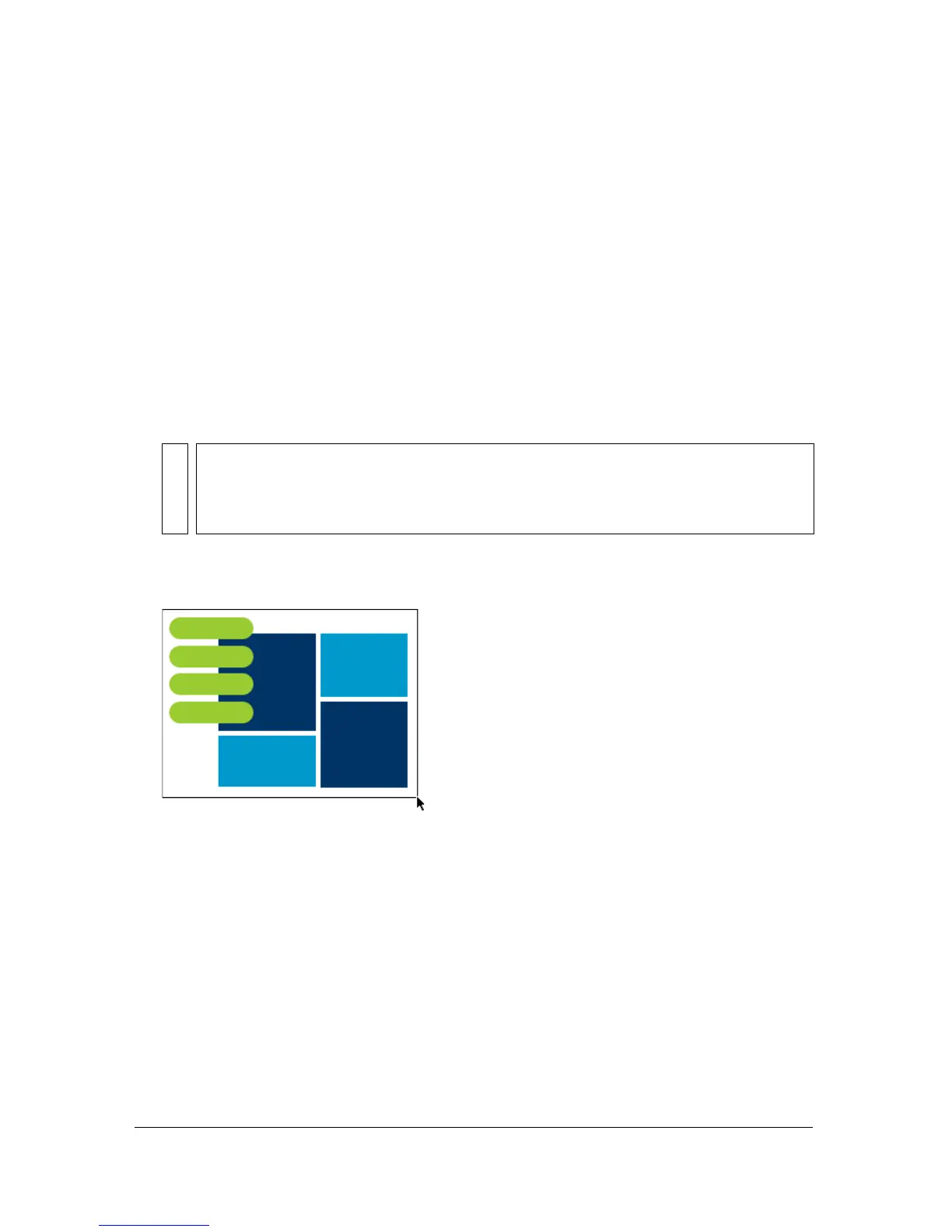
The Pointer tool selects objects when you click them or when you drag a selection area around
all or part of the objects.
To select an object by clicking, do one of the following:
■ Move the Pointer tool over the object’s path or bounding box and click.
■ Click the object’s stroke or fill.
■ Select the object in the Layers panel.
To select objects by dragging:
■ Drag the Pointer tool to include one or more objects in the selection area.
Using the Subselection tool
You use the Subselection tool to select, move, or modify points on a vector path or an object
that is part of a group.
To move or modify objects with the Subselection tool:
1. Select the Subselection tool.
2. Make a selection.
Selection handles appear.
TIP
To preview what you would select if you were to click on an object beneath the
pointer on the canvas, select the Mouse Highlight option in the Editing tab of the
Preferences dialog box. For more about preferences, see “Setting preferences”
on page 445.



 To Next Page