Working with strokes 179
Creating custom strokes
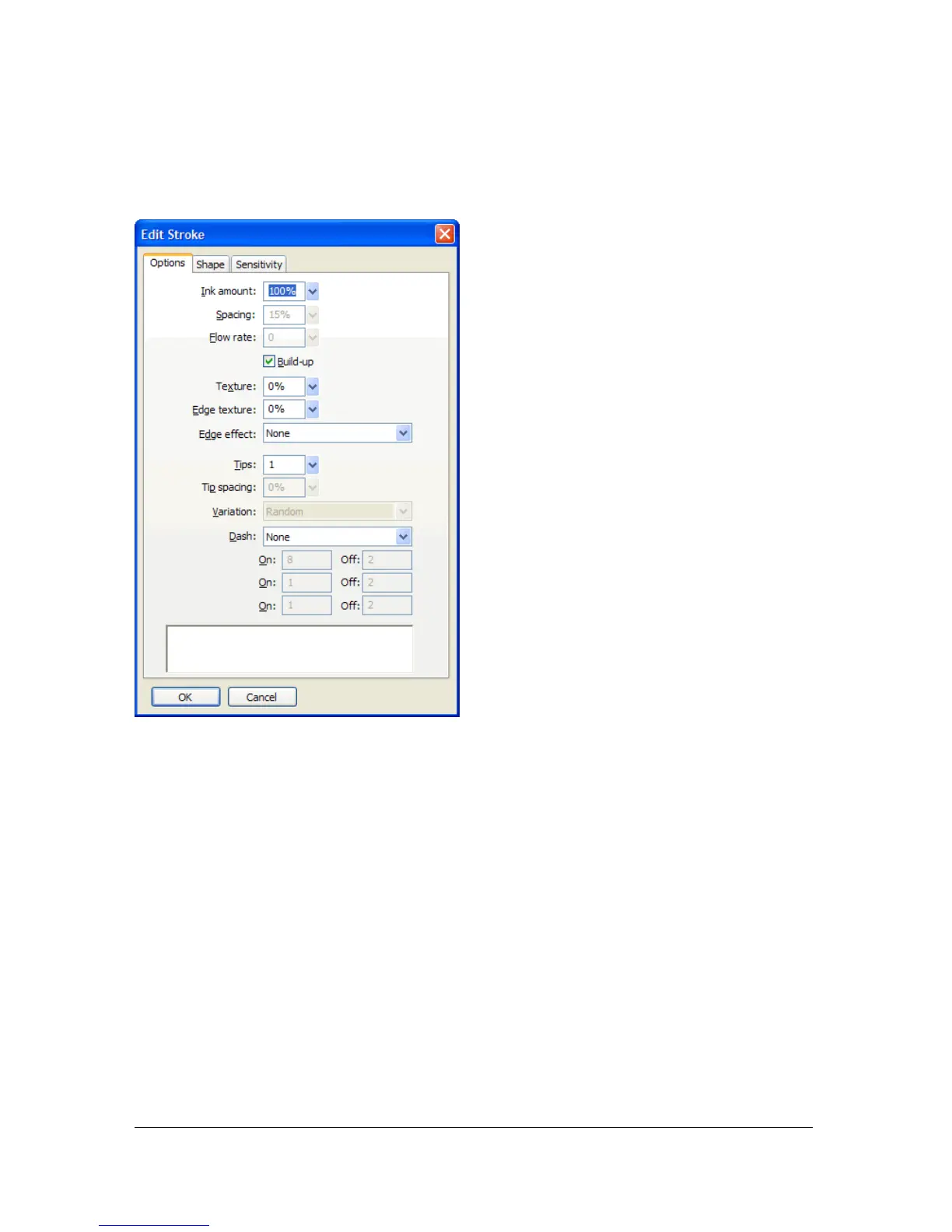
You can use the Edit Stroke dialog box to change specific stroke characteristics.
The Edit Stroke dialog box has three tabs: Options, Shape, and Sensitivity.
The stroke preview at the bottom of each tab shows the current brush with the current
settings. The current pressure- and speed-sensitivity settings are reflected in the preview by a
stroke that tapers or fades or otherwise changes from left to right.
To open the Edit Stroke dialog box:
1. Do one of the following to open the Stroke Options pop-up window:
■ Select Stroke Options from the Stroke Options pop-up menu in the Property
inspector.
■ Select Stroke Options from the Stroke Color box pop-up window in the Tools panel.
2. Click Advanced.
The Edit Stroke dialog box opens.



 To Next Page