236 Chapter 10: Using Styles, Symbols, and URLs
Using styles
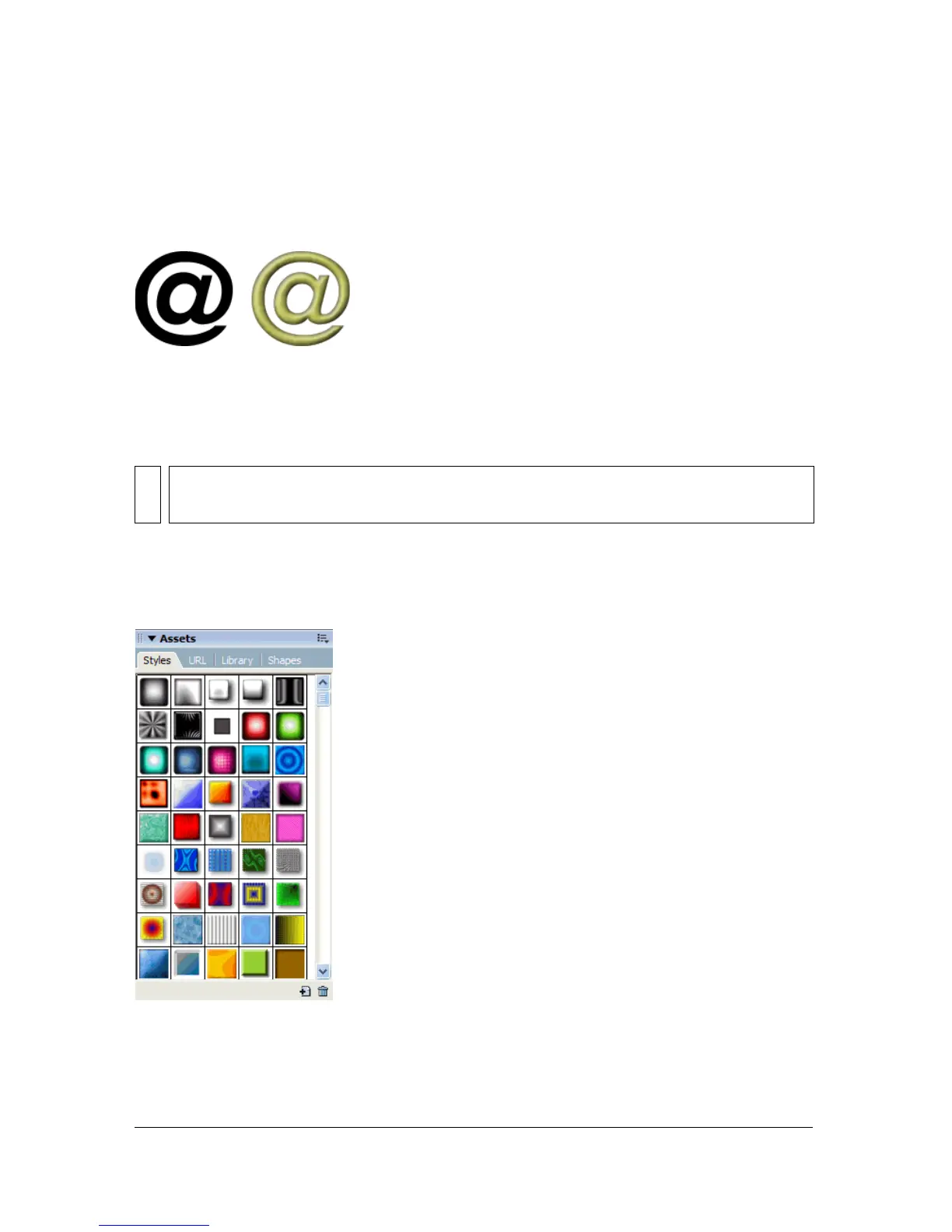
You can save and reapply a set of predefined fill, stroke, filter, and text attributes by creating a
style. When you apply a style to an object, that object takes on the style’s characteristics.
Fireworks has many predefined styles. You can add, change, and remove styles. The Fireworks
CD-ROM and the Macromedia web site have many more predefined styles that you can
import into Fireworks. You can also export styles and share them with other Fireworks users
or import styles from other Fireworks documents.
Applying a style
You can use the Styles panel to create, store, and apply styles to objects or text.
Styles panel
NOTE
You cannot apply styles to bitmap objects.



 To Next Page