Masking images 225
4. Click between the mask thumbnails in the Layers panel. This relinks the masked objects
to the mask.
To move a mask independently using its move handle:
1. Select the mask on the canvas using the Pointer tool.
2. Select the Subselection tool and drag the mask’s move handle to a new location.
To move masked objects independently of the mask using the move handle:
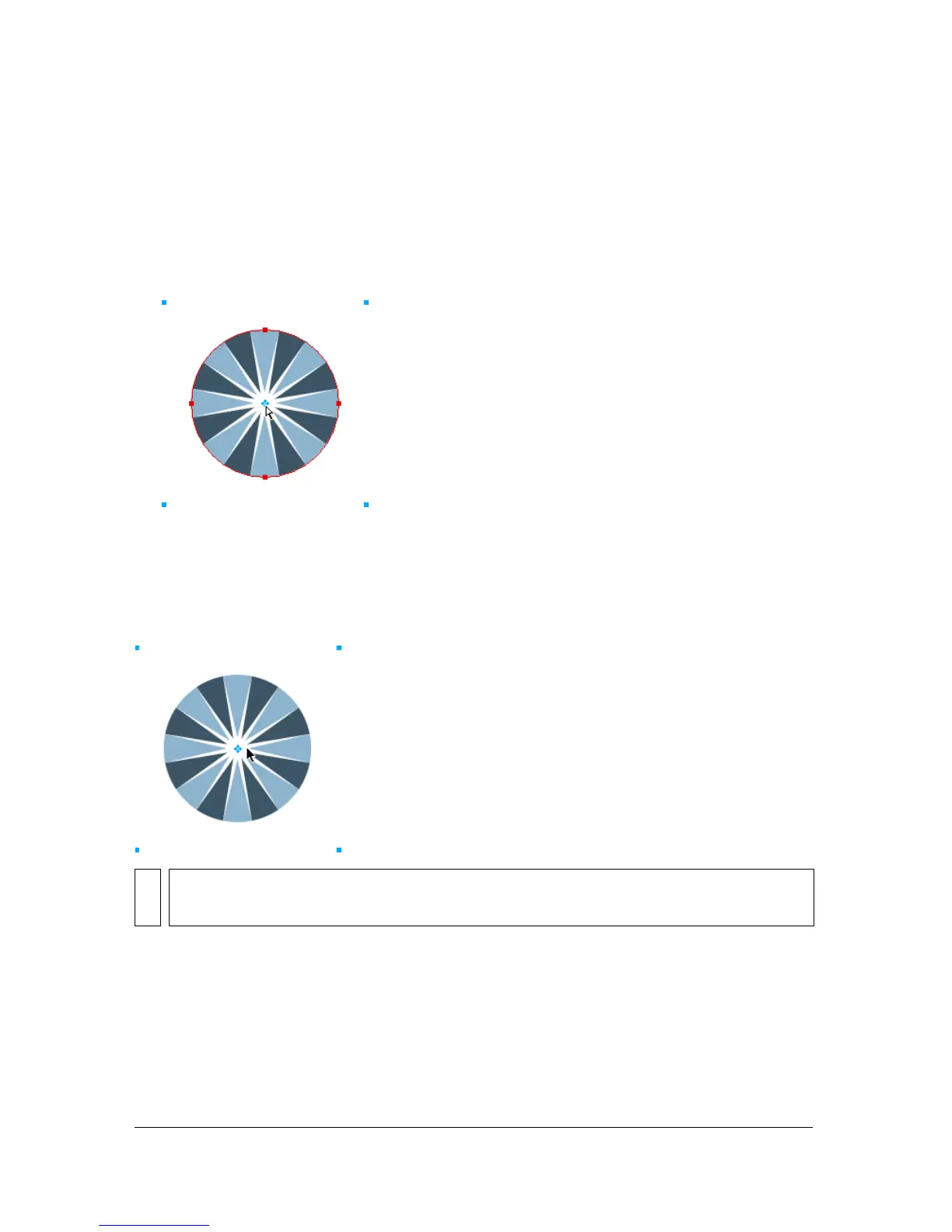
1. Select the mask on the canvas using the Pointer tool.
2. Drag the move handle to a new location.
The objects move without affecting the position of the mask.
To move masked objects independently of each other:
■ Click the object with the Subselection tool to select it, then drag the object.
This is the only way to select and move an individual masked object without moving
other masked objects.
NOTE
If there is more than one masked object, all masked objects move together.



 To Next Page