Optimizing in the workspace 347
Adjusting JPEG quality
JPEG is a lossy format, which means that some image data is discarded when it is compressed,
reducing the quality of the final file. However, image data can sometimes be discarded with
little or no noticeable difference in quality.
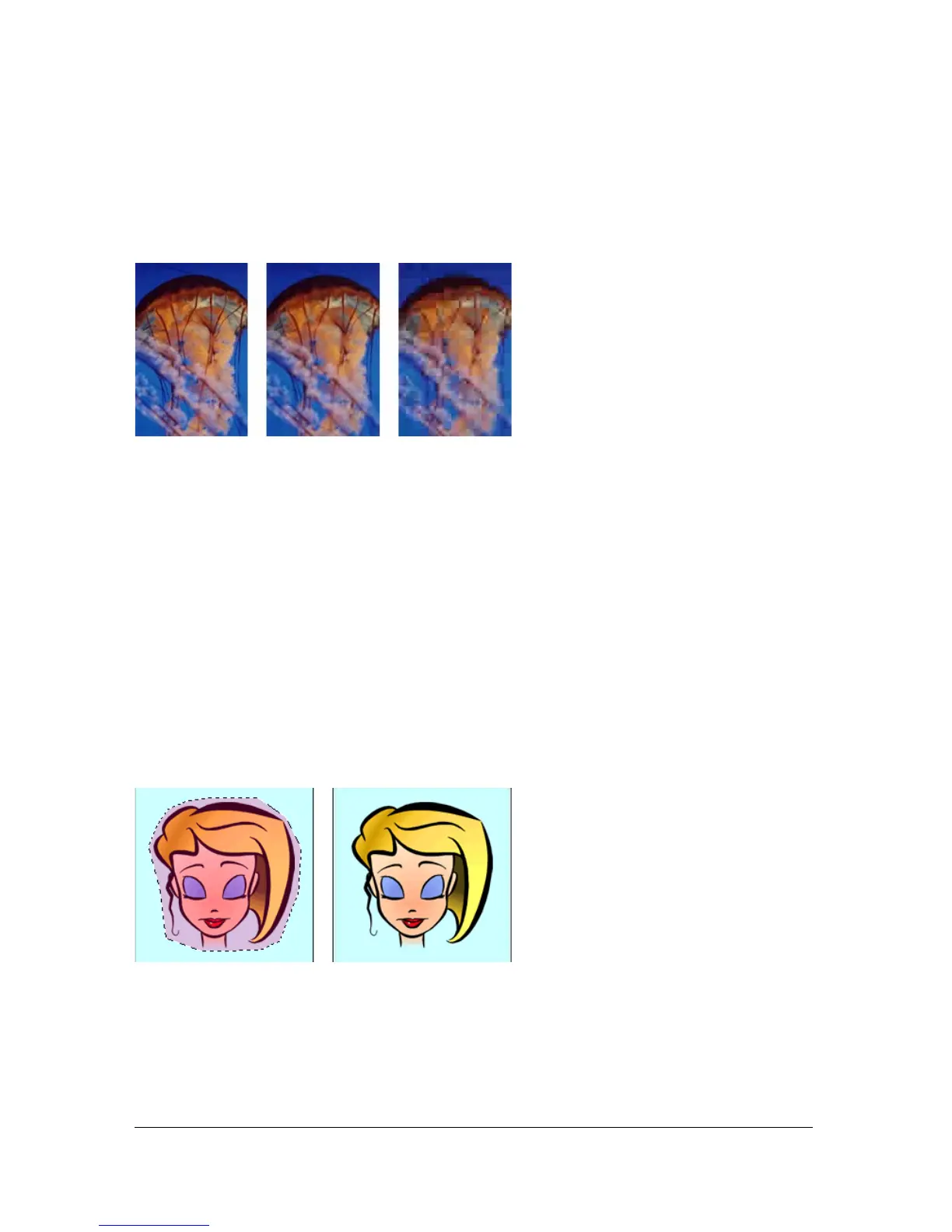
Original image; quality setting of 50; quality setting of 20
To control how much quality is lost when compressing a JPEG file:
■ Adjust the quality with the Quality slider pop-up menu in the Optimize panel.
A high percentage setting maintains image quality but compresses less, producing larger
files.
A low percentage setting yields a small file but produces a lower-quality image.
Selectively compressing areas of a JPEG
Selective JPEG compression lets you compress different areas of a JPEG at different levels.
Areas of particular interest in an image can be compressed at a higher quality level. Areas of
lesser significance, such as backgrounds, can be compressed at a lower quality level, reducing
the overall size of the image while retaining the quality of the more important areas.
The selected area in this image is being compressed at a quality level of 90, while the unselected area
is being compressed at a quality level of 50.



 To Next Page