334 Chapter 14: Optimizing and Exporting
Previewing and comparing optimization settings
The document preview buttons display the graphic as it would appear in a web browser, based
on optimization settings. You can preview rollover and navigation behaviors, as well as
animation.
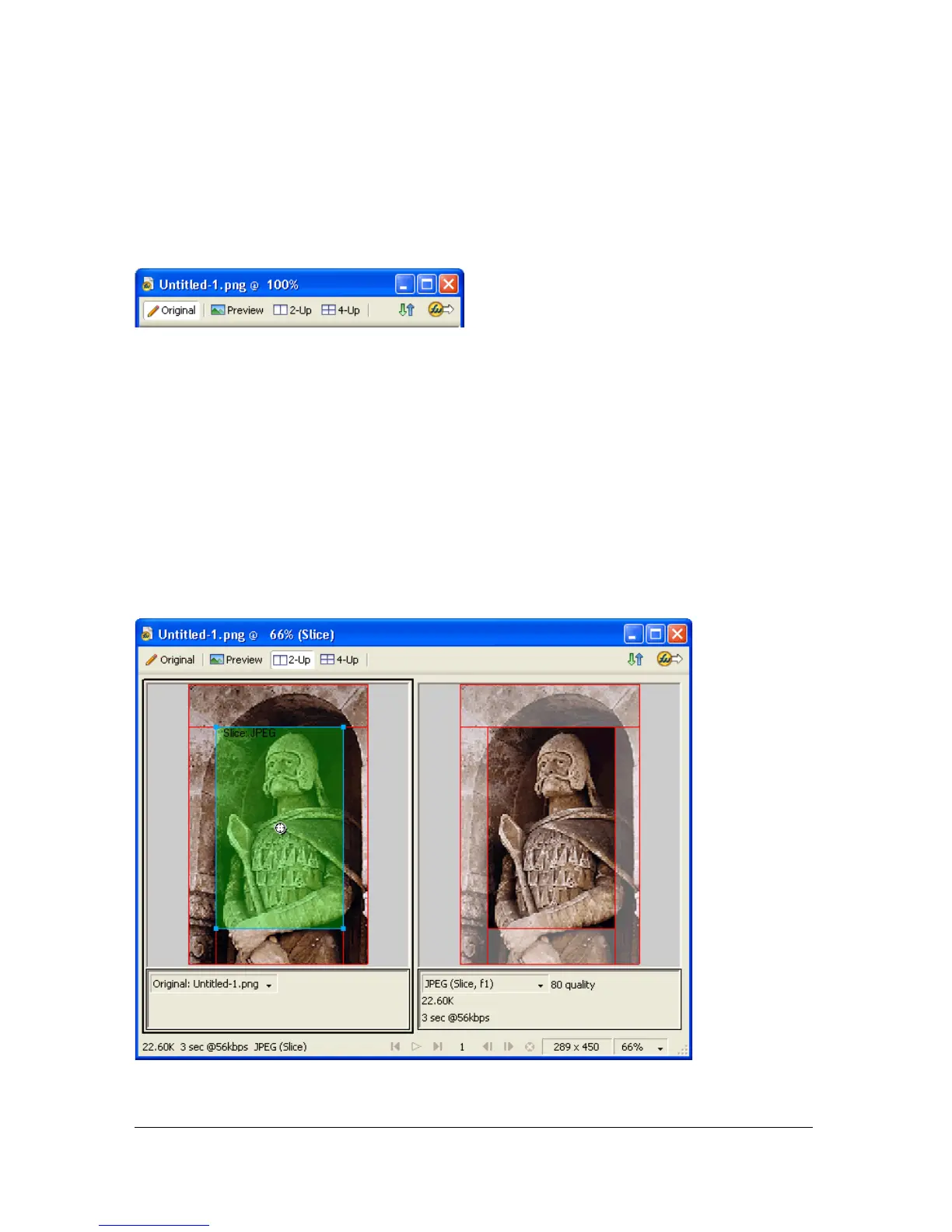
The Original button and the document preview buttons
The document preview buttons display a document’s total size, estimated download time, and
file format. The estimated download time is the average amount of time it would take to
download all the document’s slices and frames on a 56K modem. The 2-Up and 4-Up views
display additional information that varies depending on the file type selected.
You can use the Optimize panel to optimize a document while viewing a preview as if you
were in Original view. You can optimize the entire document at once or only selected slices.
The slice overlay helps you differentiate the slices currently being optimized from the rest of
the document. The slice overlay displays areas not currently being optimized with a dimmed,
transparent white tint. You can turn the slice overlay on or off.
When you optimize a selected slice, the slices not being optimized are dimmed.



 To Next Page