38 Chapter 2: Fireworks Basics
To dock a toolbar:
■ Drag the toolbar onto a docking area at the top, bottom, left, or right of the application
window until the placement preview rectangle appears.
Navigating and viewing a document
You can control your document’s magnification, its number of views, and its display mode. In
addition, you can easily pan the view of a document, which is helpful if you zoom in and can
no longer see the entire canvas.
Using document tabs (Windows)
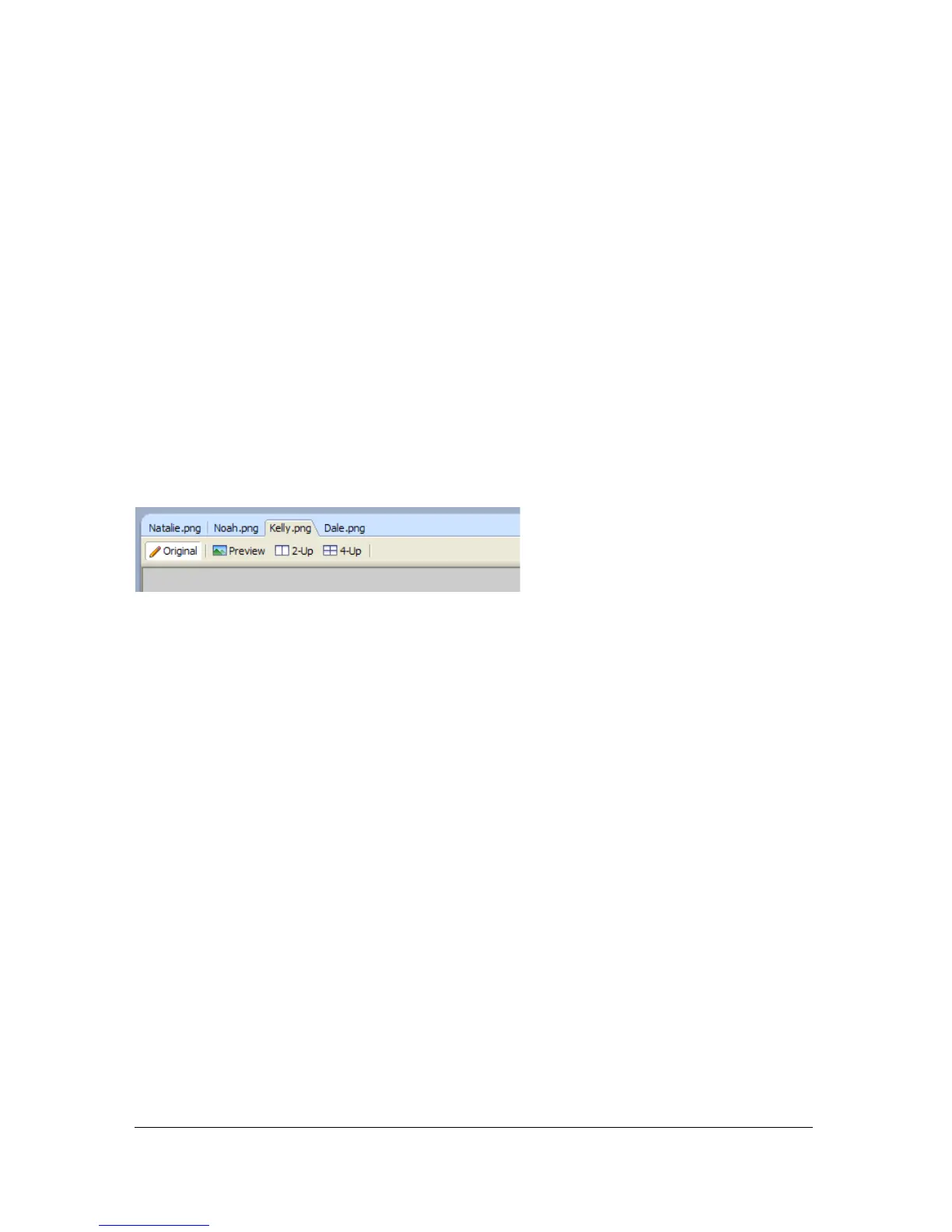
When your document is maximized, you can easily choose among multiple open documents
using the document tabs that appear at the top of the document window. Each open
document displays its filename on a tab that appears above the view buttons.
To select a different document when the current document is maximized:
■ Click the document tab for the document you want to view.



 To Next Page