408 Chapter 15: Using Fireworks with Other Applications
To import layered, sliced, or interactive Fireworks content:
1. In Director, choose Insert > Fireworks > Images from Fireworks HTML.
2. Locate the Fireworks HTML file you exported for use in Director.
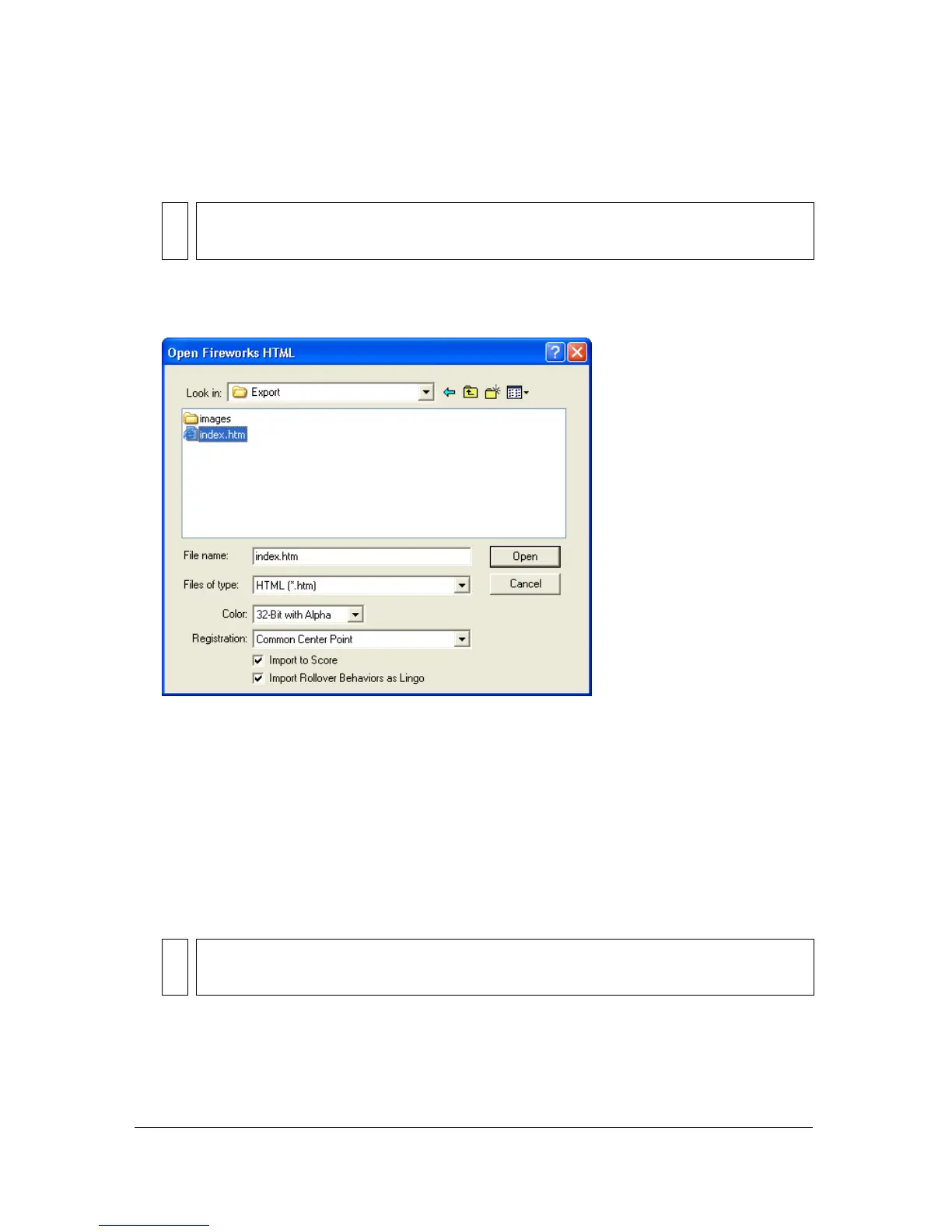
The Open Fireworks HTML dialog box appears.
3. Change options if desired:
Color allows you to specify a color depth for the imported graphics. If they contain
transparency, choose 32-bit color.
Registration allows you to set the registration point for the imported graphics.
Import Rollover Behaviors as Lingo converts Fireworks behaviors to Lingo code.
Import to Score places cast members into the Score upon import.
4. Click Open.
The graphics and code from the Fireworks HTML file are imported.
NOTE
The location and name of this menu command may be different depending on your
version of Director.
NOTE
If you are importing a Fireworks animation, drag keyframes in Director to offset the
timing of each imported layer as necessary.



 To Next Page