Warnings and errors
If a warning or error condition existed at the time a record was measured, one of
the following appears on the header line in a record view:
.
! = warning.
.
!!! = error.
To determine the cause of the message, Ctrl-click and hover above the ! symbol.
A pop-up like this the following gives more information (Chapter 8 explains the
messages):
This applies in all views except the Measurement Parameters view, where the
information is printed at the bottom of the view instead.
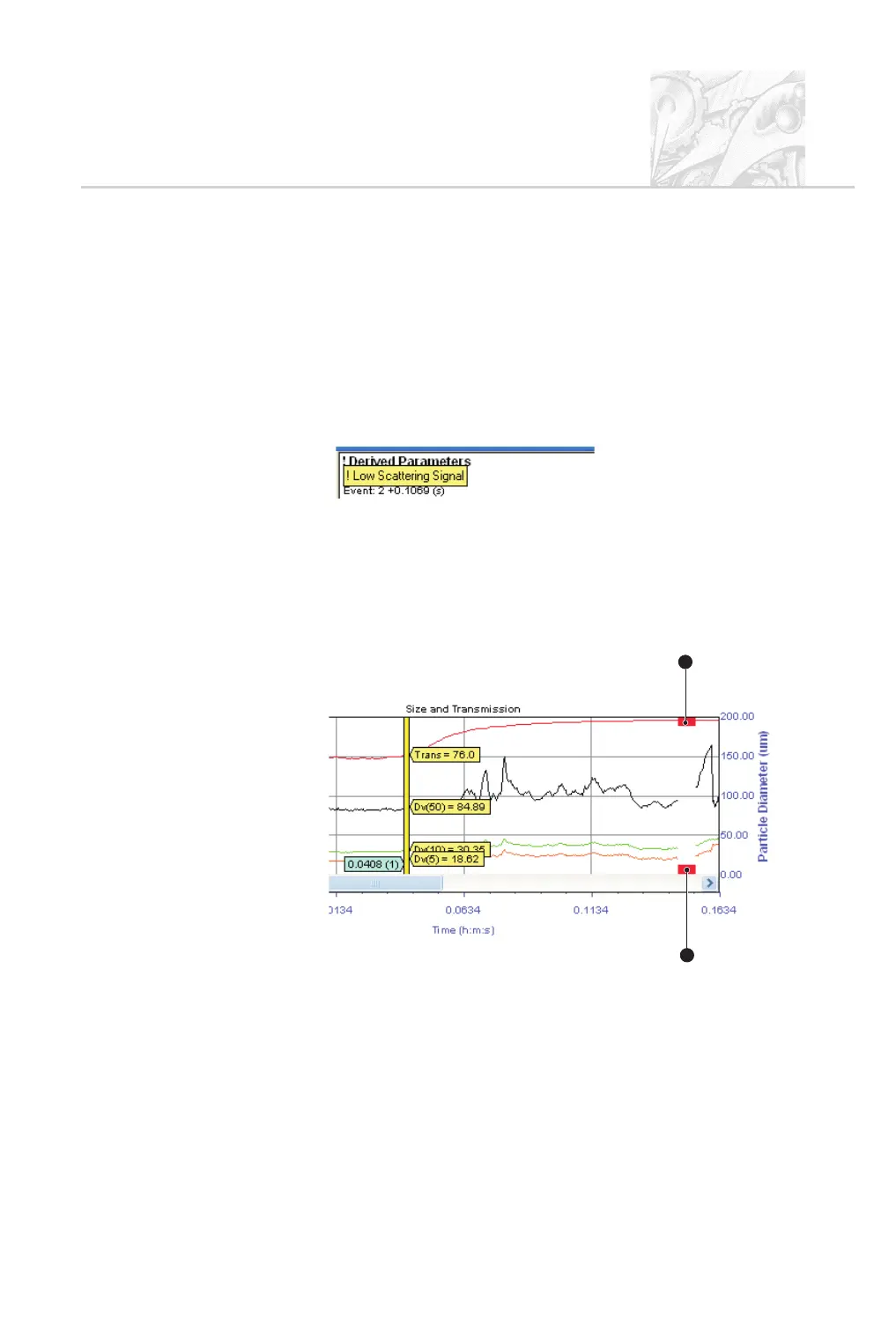
The Size History is the only view type which omits these. In this window red
bands show times when the system cannot analyse data, for example because the
signal does not meet a user-specified threshold. In the following example these
bands
+
show two short periods when this situation occurred:
The “No record” situation
If the first row of a record view starts with the characters “???”, this means the
selector bar in the Size History is in an area where no measurement took place so
there is no record to display data for.
CHAPTER 6
Spraytec Page 6.3
1
1
1
ILL7458



 To Next Page