Introduction
This chapter shows how to:
.
Edit or delete an SOP.
.
Produce new SOP templates.
.
Extract an SOP from a .psh file.
Editing SOPs
$
To edit an existing SOP:
.
Use File-Open-SOP or click and open the SOP in the list.
.
Using the SOP Editor, review the settings for each stage and make any re
-
quired changes. (For details on any of the parameters, refer to Chapter 5).
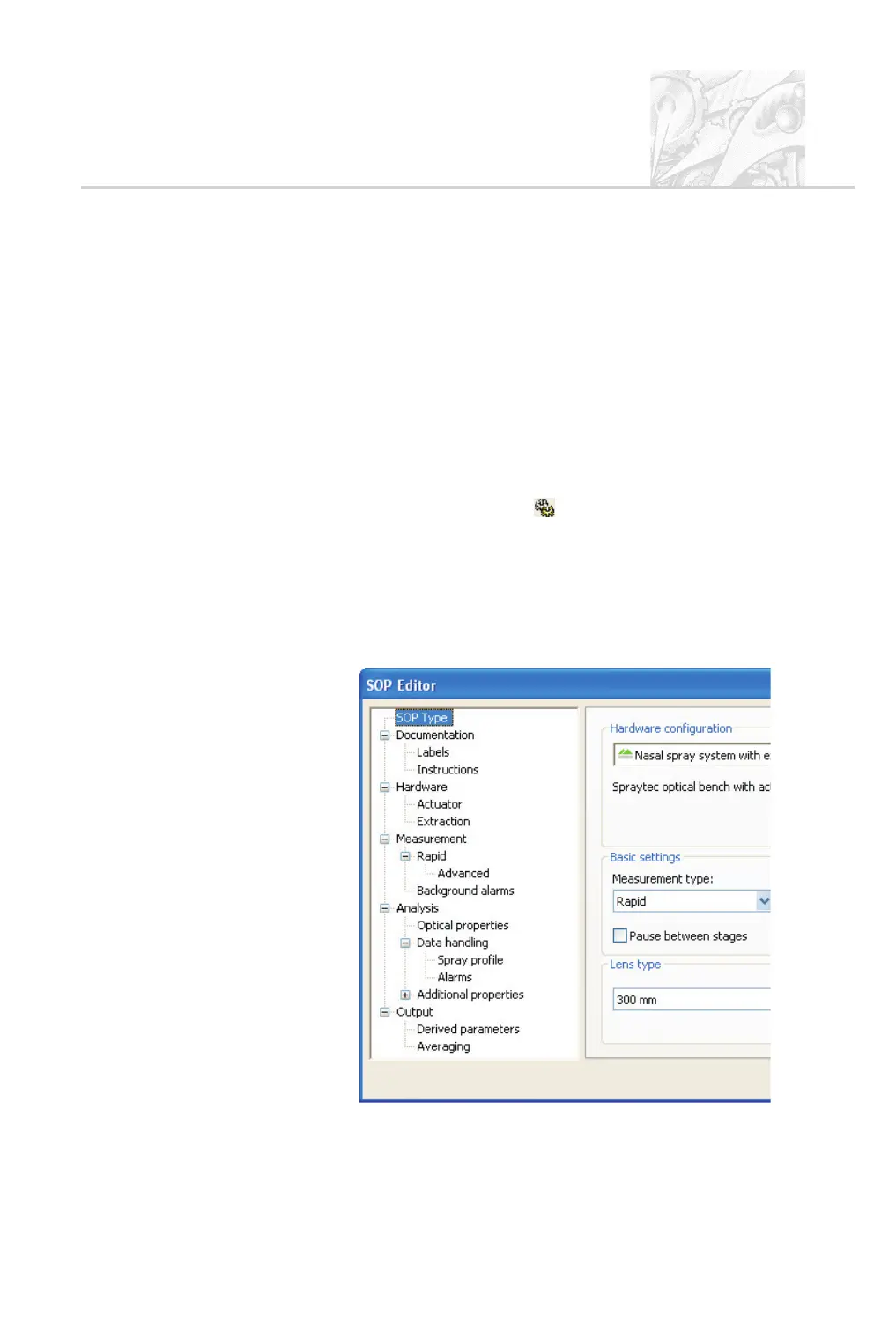
The SOP Editor has all the same dialogues as the SOP Wizard.
The tree structure shown below appears in the left-hand side of each
dialogue. This offers a quick way of moving through the wizard; just click
on any branch in the tree to move straight to that stage.
CHAPTER 11
Spraytec Page 11.1



 To Next Page