Using overlays
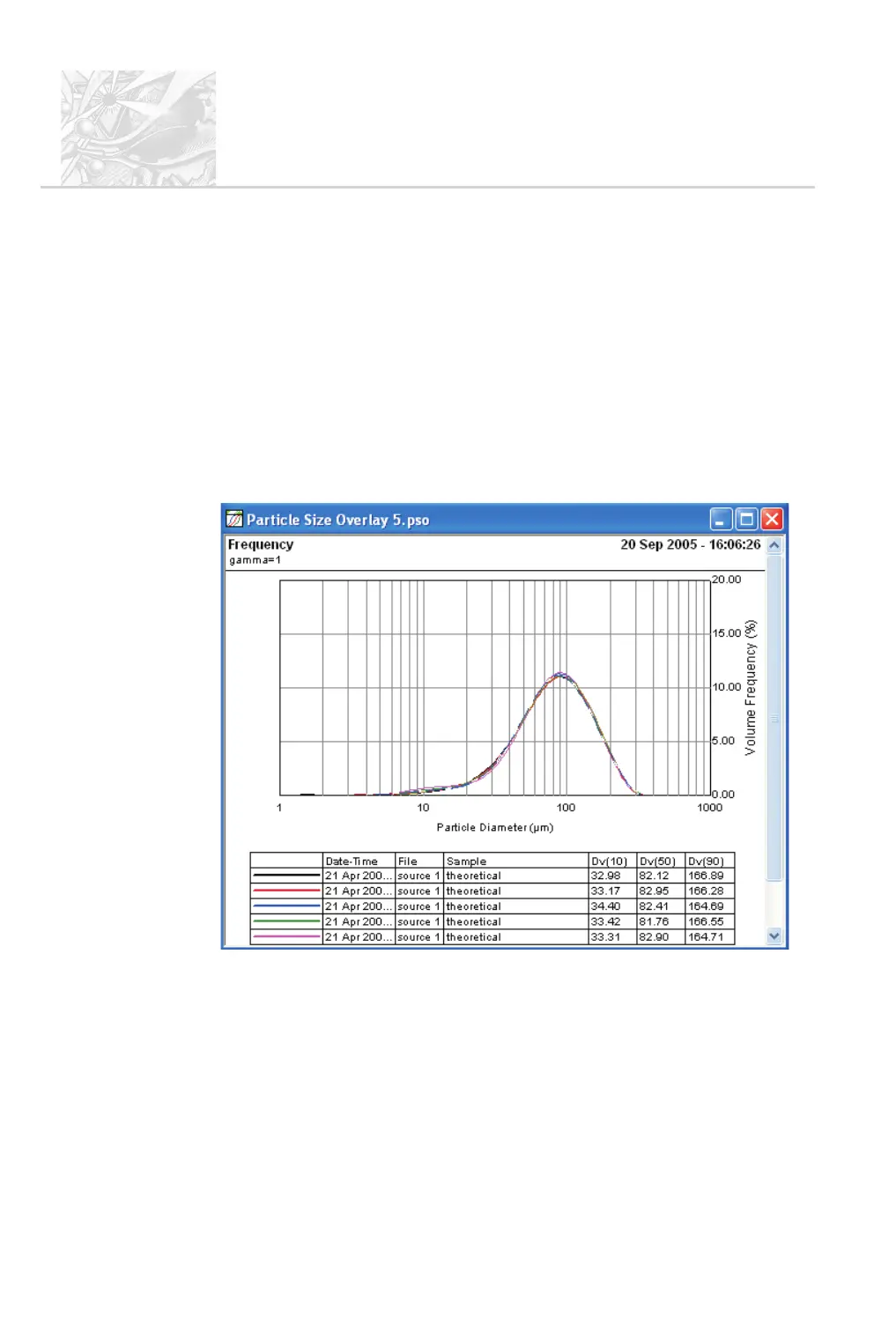
A Particle Size Overlay window can be used to compare data from up to eight
PSD views. The data from all these is shown on one display. An overlay can show
any of the following views (right-click on the O window to select one):
.
Cumulative – PSD cumulative curves.
.
Frequency – PSD frequency curves. This is the recommended view.
.
Corrected light scattering.
.
Dark background.
.
Light background.
This example shows cumulative data for five files:
The table below the graph is a key to the lines and point symbols used and shows
summary information for each file. Each data element is assigned a unique line
style and colour; to change this follow the procedure below. To reformat the
table, right-click on it.
CHAPTER 6
Spraytec
Page 6.16 MAN 0368



 To Next Page