21 CFR Part 11
The security system can be upgraded to provide technical compliance with 21
CFR Part 11 by installing a feature key. Once this is installed, 21 CFR Part 11
security settings can be applied and ‘Audit trails’ can be viewed. If the feature key
is installed the grey 21 CFR icon on the status bar becomes coloured.
This manual does not detail the 21 CFR Part 11 option but concentrates on the
standard security software.
Setting up the Administrator
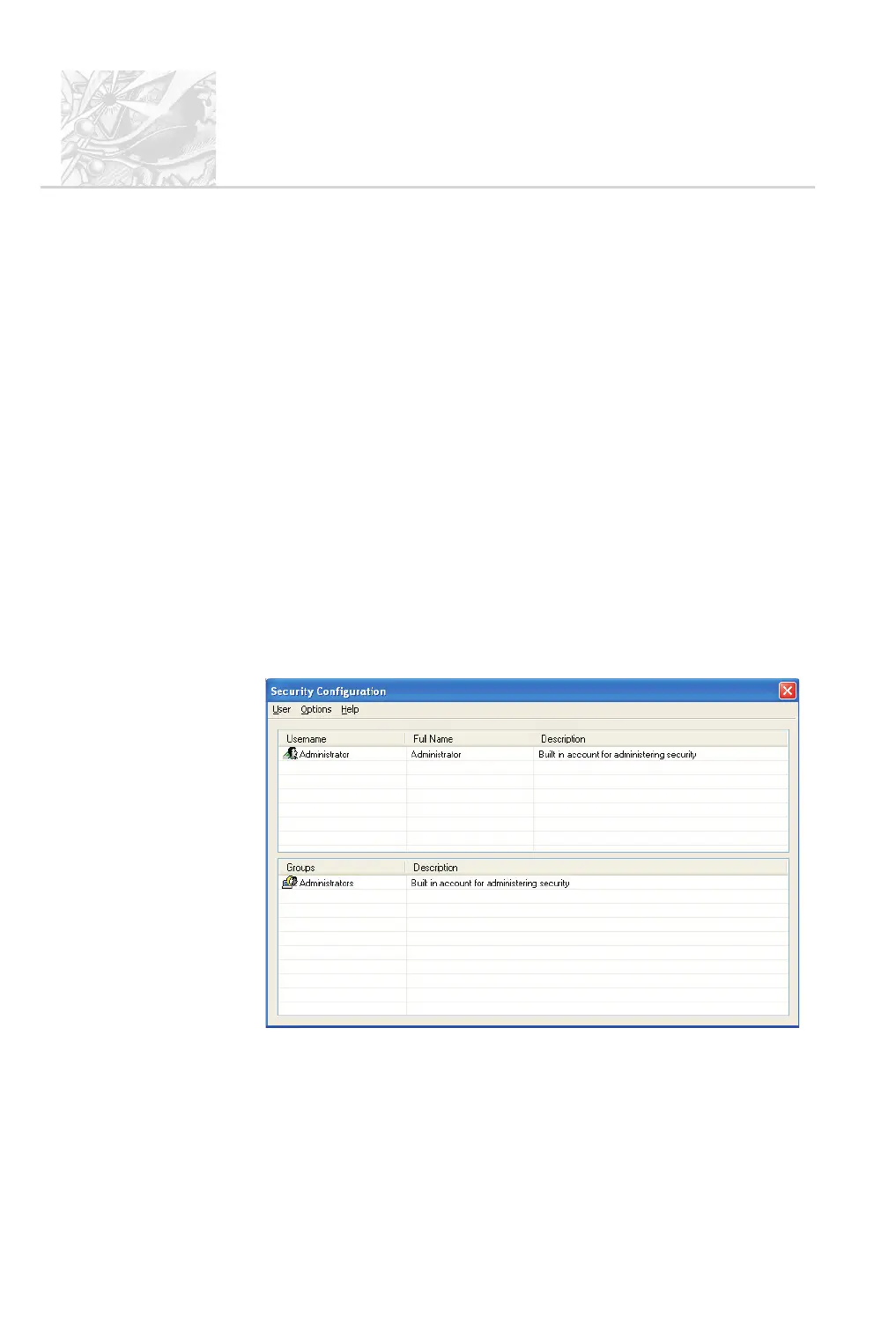
The first time the system is run, just one user (named Administrator) and one
user group (named Administrators) are created automatically. The
Administrators group is originally set to only allow configuration of the security
system and to deny access to all other features of the system.
The first task is to set up the Administrator account.
$
To set up the administrator:
.
Select Security-Configure security to display this dialogue:
.
When the software is run for the first time, the security system defaults to a
member of the Administrators group with no password.
CHAPTER 9
Spraytec
Page 9.2 MAN 0368



 To Next Page