Getting started
The first steps involve powering on the instrument and starting the software.
Before powering on the instrument, we recommend ensuring that the optical
windows are clean; see Chapter 8 for advice on cleaning the system.
'
Note
.
If in doubt about the optical cleanliness, check the live display of the
background measurement. This shows whether the optics are clean.
$
To power on the instrument:
.
Turn on the instrument at its power switch.
.
Turn on the computer at its power switch.
'
Note
.
For a continuous measurement of over 30 minutes, the instrument
requires 90 minutes to warm up to a completely stable state. This does
not affect other measurement types.
$
To start the Spraytec software:
.
Double-click on the Spraytec desktop icon. (If the icon is not available,
open the Start menu and select Programs-Malvern Instru-
ments-Spraytec to start the software.)
.
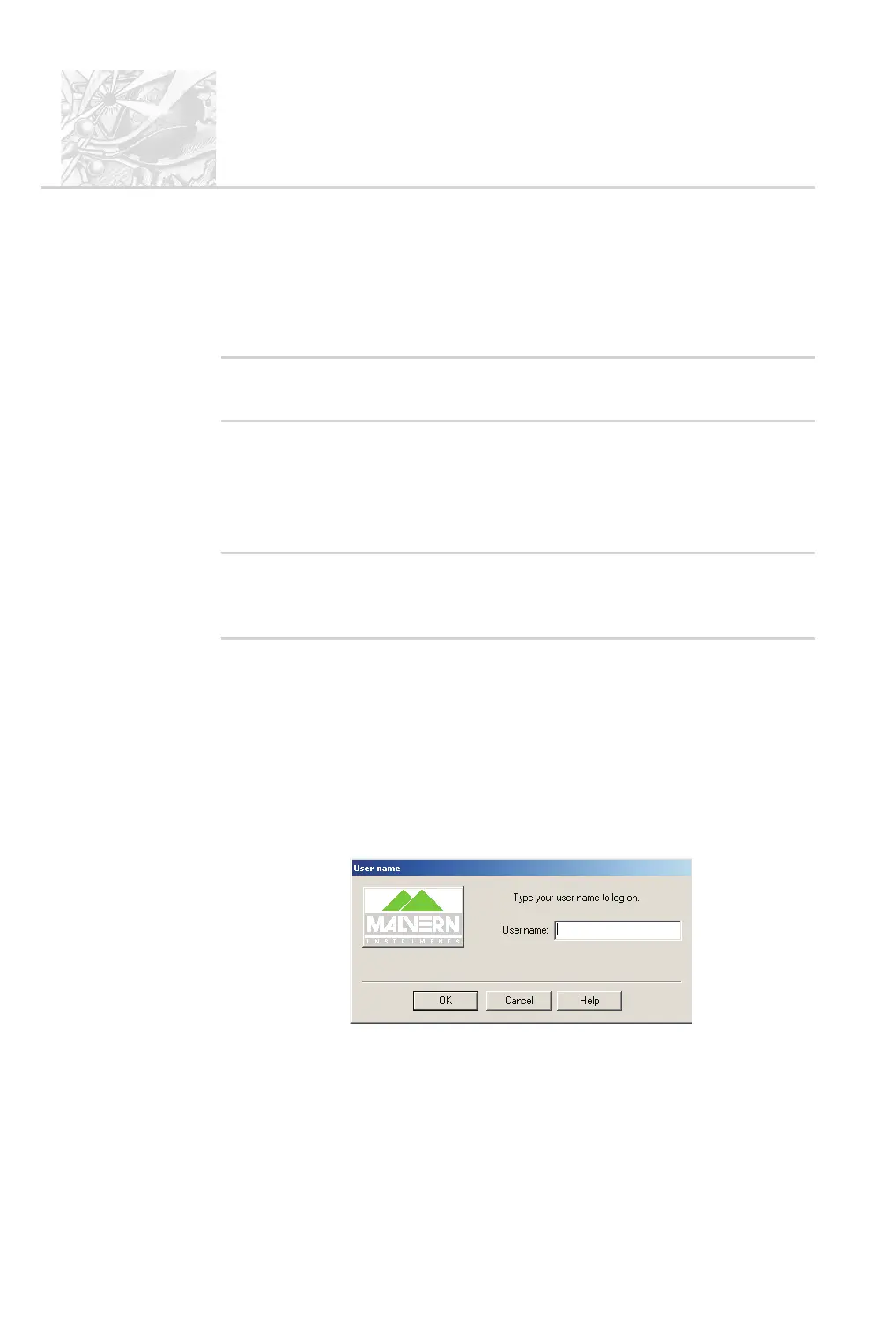
The logon screen shown below is displayed; type your user name and click
OK. (If security is configured, it prompts for a password too. For supervi
-
sors, Chapter 9 describes how to administer security and set up users and
groups.)
.
The software opens. If a measurement file was open in the previous ses
-
sion, this reopens automatically. If this is the first use of the software the
Example results.smea file is opened in the Measurement file window.
CHAPTER 5
Spraytec
Page 5.2 MAN 0368



 To Next Page