Setting up user groups
All users must be a member of at least one user group.
'
Note
.
Only users assigned to the Administrators group can add or edit the
user group properties.
$
To add a new group:
.
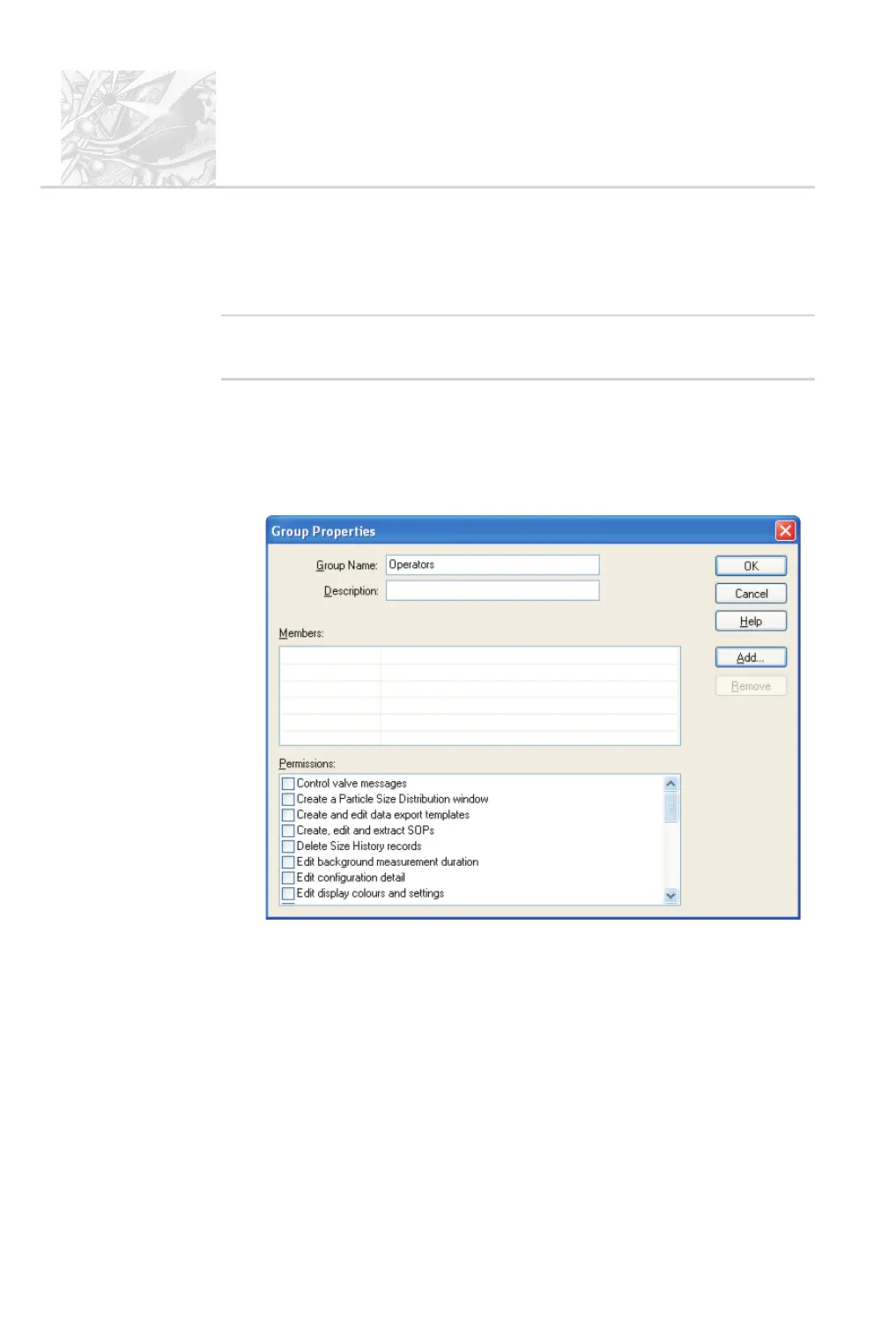
In the Security configuration dialogue select User-New Group... or
double-click on an empty Groups row to display the Group Properties
dialogue shown below:
.
Enter a Group name and a Description of the group’s purpose. Example
names might be:
Operators – general users of the system.
Supervisors – skilled users who are able to perform configuration and
create SOPs.
CHAPTER 9
Spraytec
Page 9.4 MAN 0368



 To Next Page