The toolbar
The toolbar is located below the menu bar. It provides button shortcuts for
performing the most popular operations. Each button has an equivalent menu
command. For example, clicking the button is the same as using the
File-New-Overlay menu command. The toolbar commands are grouped as
follows:
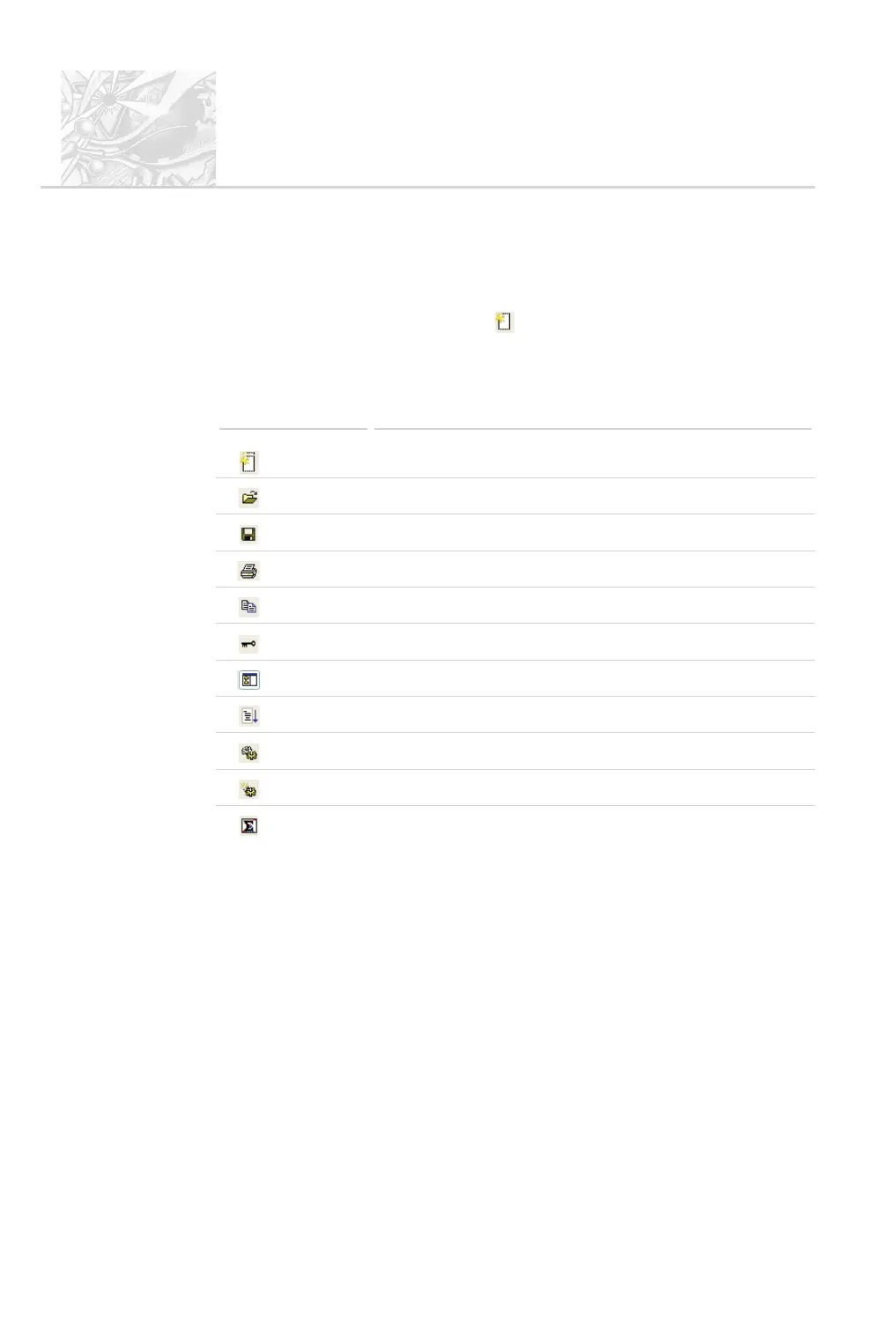
Button Function
Creates a new overlay.
Opens a file.
Saves a file.
Prints a file.
Copy (as a Windows metafile).
Logs in or out
Toggles on/off display of the measurement file list.
Starts an SOP.
Opens an existing SOP.
Creates a new SOP.
Averages the selected range of records.
Note that:
.
As with menu commands, if a tool is not available its button appears
“greyed out”.
.
To identify a button’s function, move the cursor over it. A tooltip is dis
-
played and a short description appears in the status bar.
.
Display of the toolbar can be turned on/off using View-Toolbar.
CHAPTER 4
Spraytec
Page 4.18 MAN 0368



 To Next Page