.
For the Particle Size Distribution only, a Maximum Frequency value can
be set. This defines the limit of the Volume Frequency % axis.
.
Axis style (outside, inside, grid, or none).
For raw and corrected scattering, light and dark background views, the following
can be changed:
.
The style and limits for both of the y-axes.
.
The scattering limit refers to the axis that shows the scattering signal, and
the beam power limit refers to the axis that shows the transmission signal.
Specify the maximum value that is to be displayed on each axis.
.
Axis style (outside, inside, grid, or none).
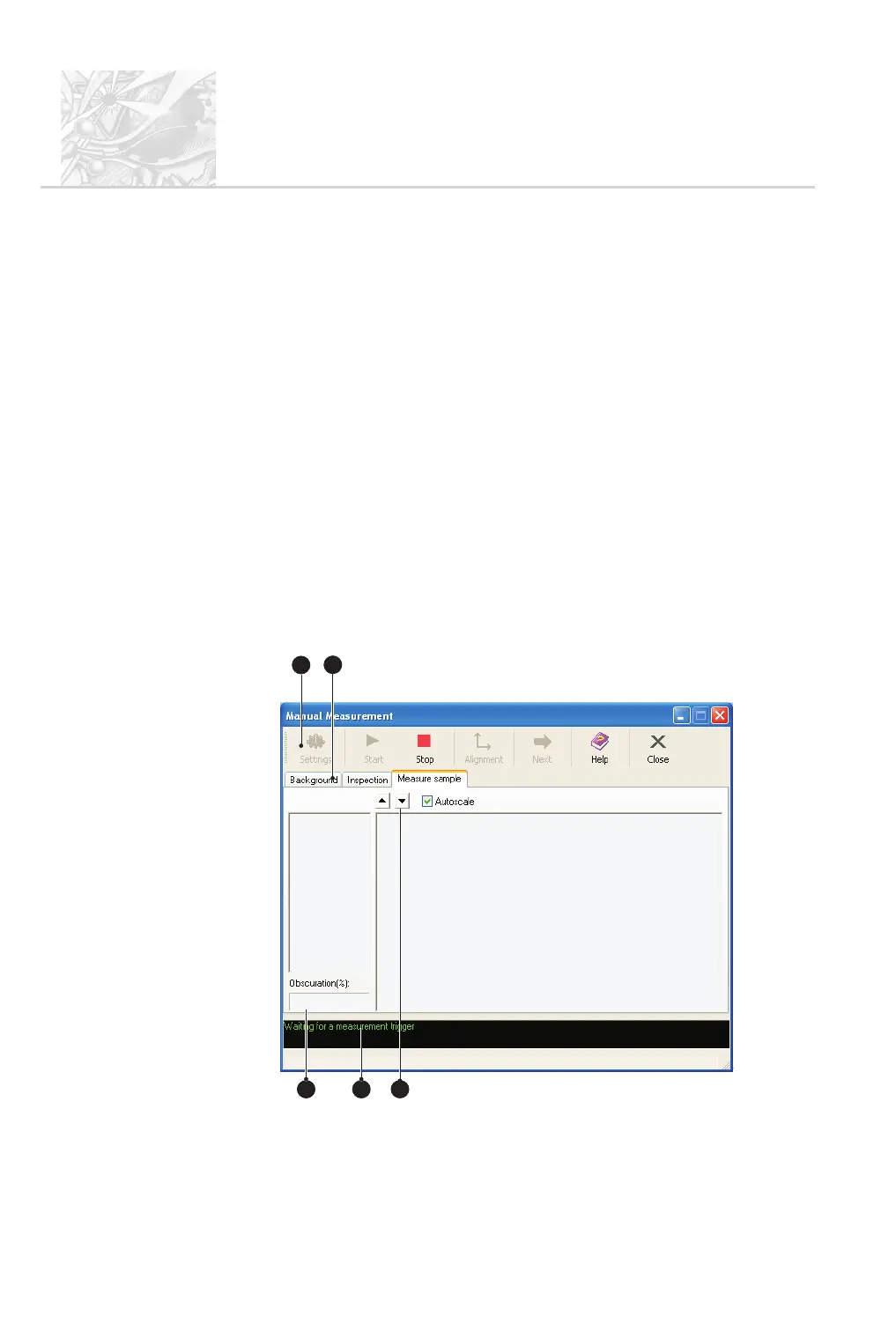
The Measurement Manager
When a manual or SOP measurement is started the Measurement Manager
display appears, giving control of the measurement. When this display opens, the
software automatically makes an electrical background measurement, followed by
a check on the alignment of the optics and an optical background measurement.
The display is similar for all measurement types:
CHAPTER 4
Spraytec
Page 4.10 MAN 0368
1
4
2
3 5
ILL 7460



 To Next Page