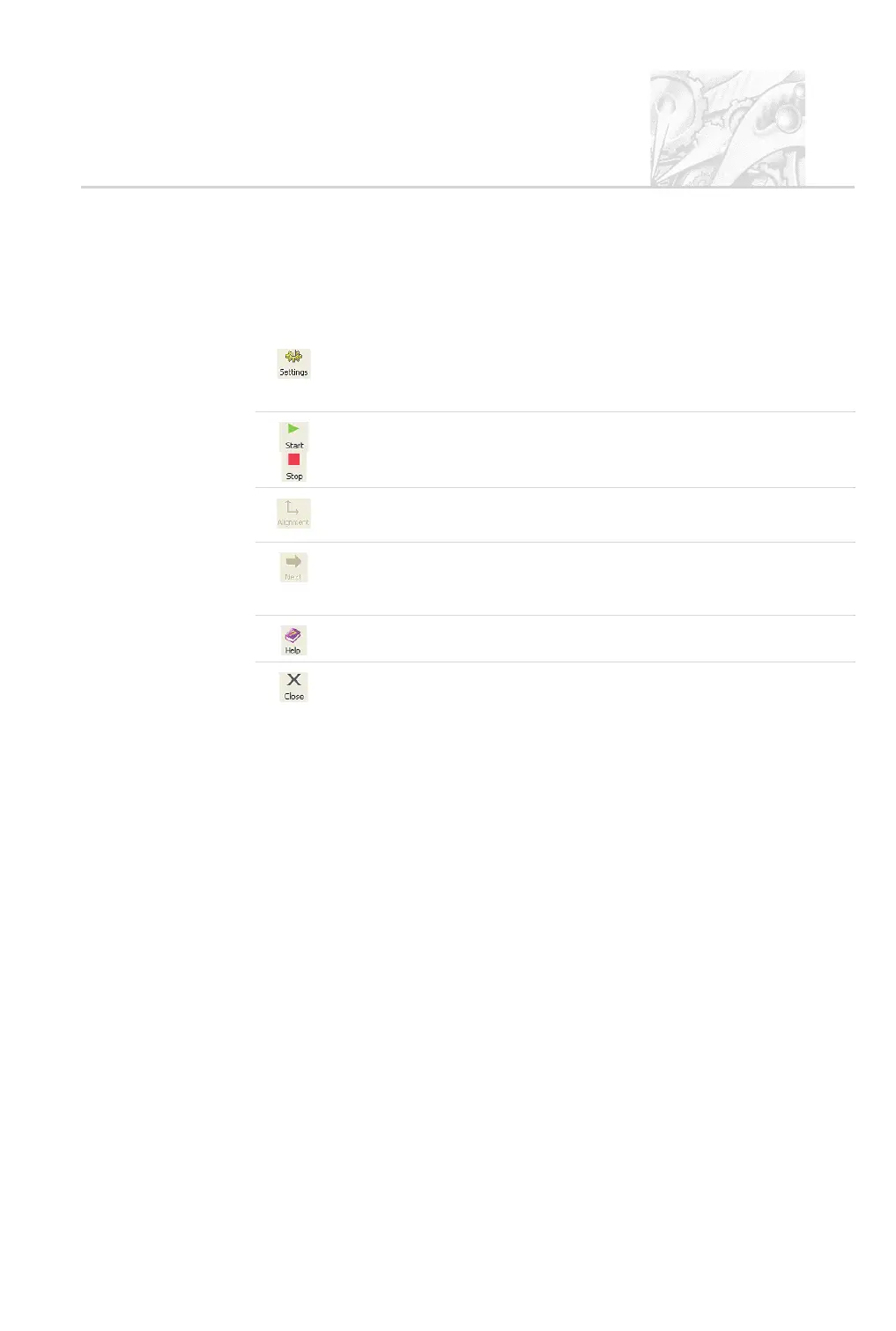
The Measurement Manager components are as follows.
+
Toolbar
The button bar controls the measurement operation. The buttons are:
Settings – opens a dialogue showing the measurement settings. Extra comments
can be added and changes made to the measurement parameters before the
measurement is started. This is disabled in SOP mode.
Start, Stop – starts or stops the measurement. Stop is not like a pause button; if
it is pressed during a measurement, the user can choose to continue or abort the
measurement.
Alignment – aligns the instrument (this is performed automatically the first time).
This is disabled in SOP mode.
Next – moves to the next logical stage of the measurement. For example, after
completion of a background measurement (if the Pause between stages check
box is selected), pressing Next moves to the Measure sample tab.
Opens online help showing how to use the Measurement Manager.
Close – closes the Measurement Manager and returns to the Records View.If
Close is pressed while a measurement is in progress, the user can choose to
continue or abort the measurement.
, Tabs
There are three different tabs, used as follows:
.
Background – performs a background measurement. The measurement
data from a spray is contaminated by background electrical noise and by
scattering data from dust on the optics.
The measure background facility makes a measurement with no spray
present as well as a measurement of the electrical background. This
background information is subtracted from the spray measurement in order
to “clean” the data.
.
Inspection – shows the background-corrected scattering prior to starting a
measurement. If the background subtraction succeeds, this should show
random low level signals on each detector.
.
Measure sample – displays the scattering information during the actual
measurement.
CHAPTER 4
Spraytec Page 4.11



 To Next Page