- Obscuration level
This shows the obscuration level during the Inspection and Measure sample
stages. It gives a visual indication of the spray concentration; 0% means no spray is
present. The exact obscuration is given at the bottom left of the dialogue. The
instrument has a wide range of acceptable concentrations so concentrations do
not have to be precise.
.
Status bar
This shows instructions and the current operation in the measurement sequence.
/
Scale buttons and Autoscale
When the Autoscale check box is selected, the X and Y axes are scaled by the
software. The and buttons can be used to change the scale manually.
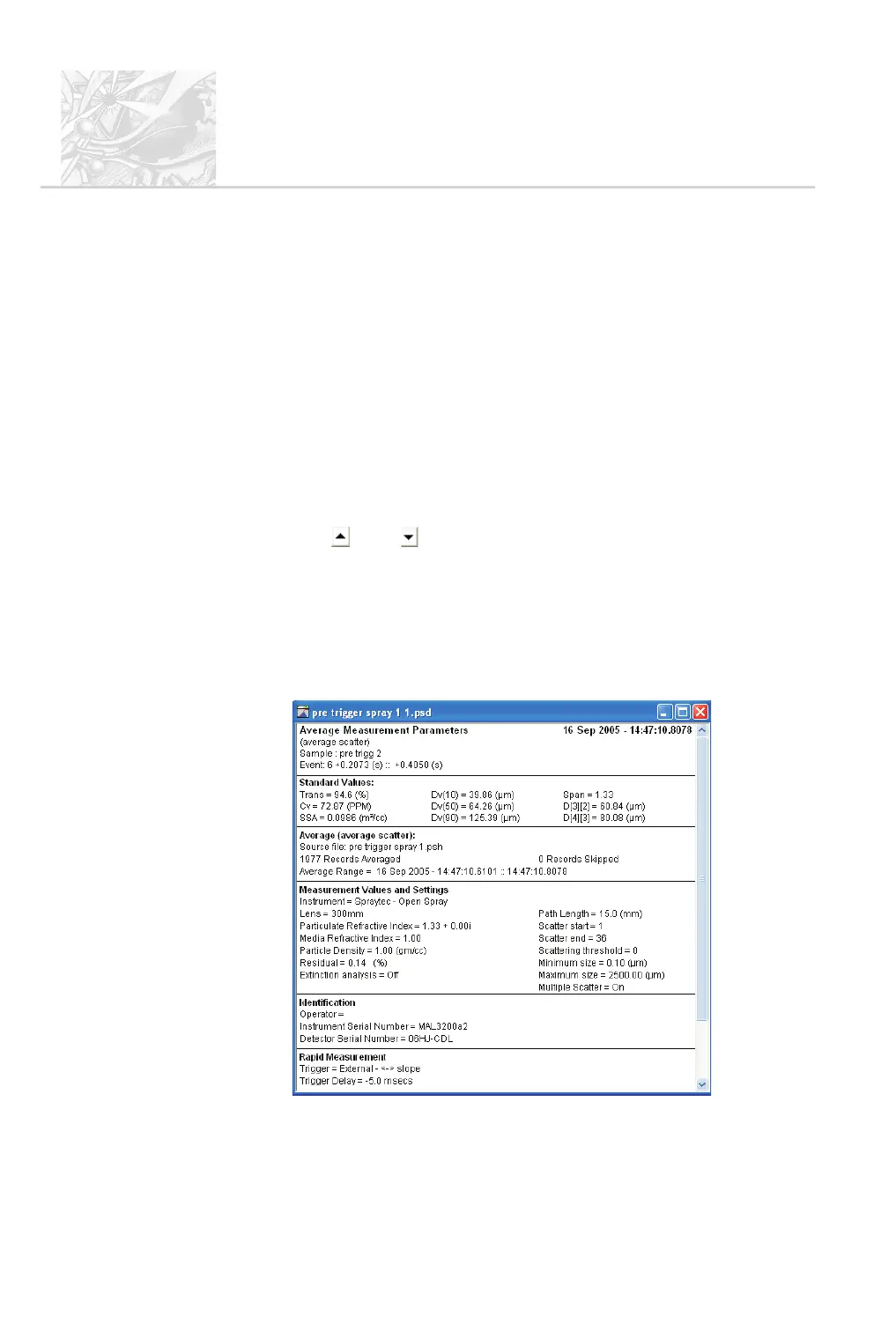
Average PSD window
The Average PSD window appears after an average is calculated. It can be based
on scattering or size distribution; the line below the heading in the window shows
which it is. This example shows its Measurement Parameters view:
CHAPTER 4
Spraytec
Page 4.12 MAN 0368



 To Next Page