.
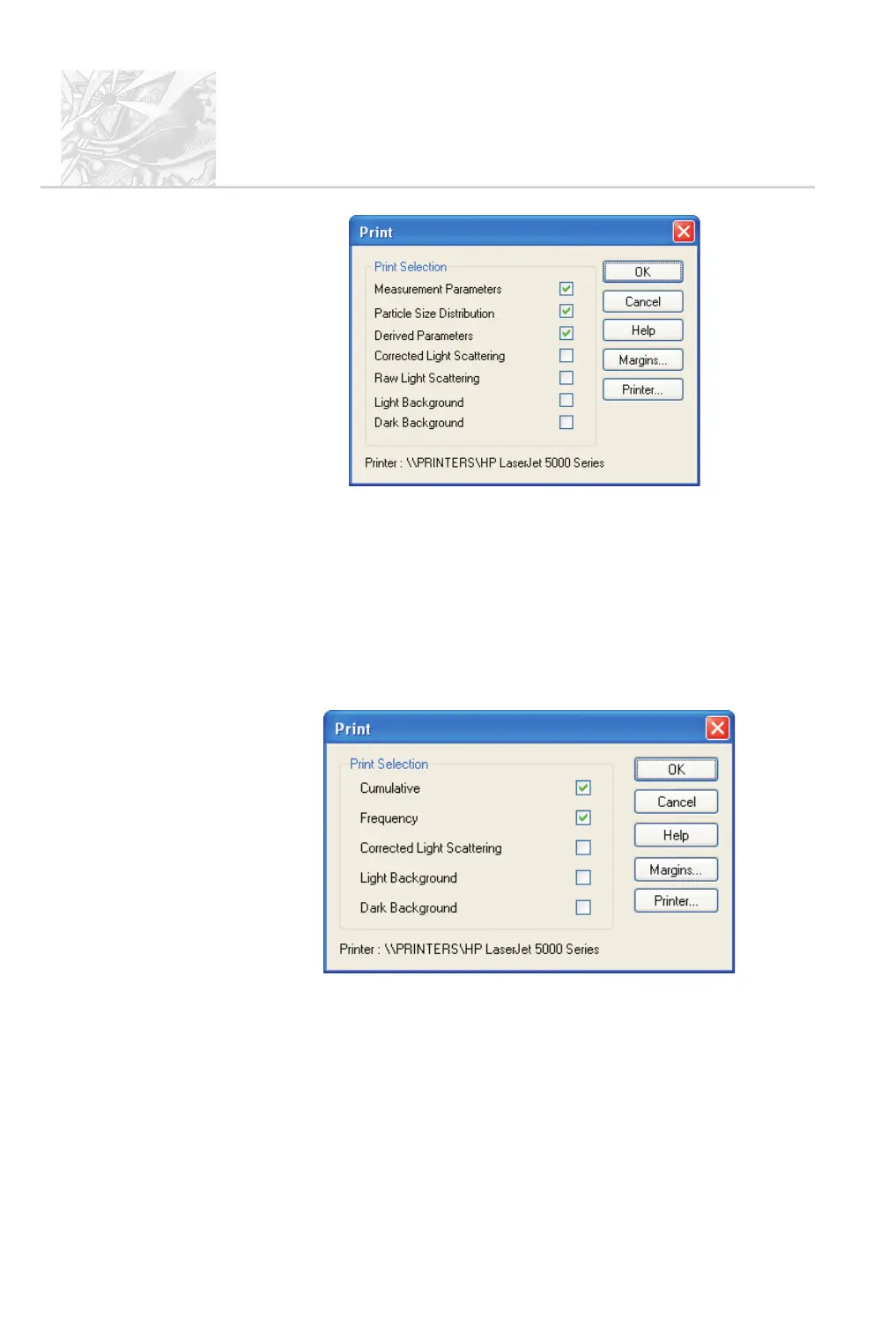
Select the check box for each view to include in the print. Each view will be
printed on a separate page on the paper or in the .pdf file. The printed page
will show the same information that is displayed in that type of view.
.
Use the Printer and Margins buttons if necessary to configure the print,
then click OK.
$
To print from a Particle Size Overlay window:
.
Double-click on the PSO window and choose File-Print or File-Print to
PDF from the menu to display the Print dialogue:
.
Select the check box for each view to include in the printout. Each view
will be printed on a separate page on the paper or in the .pdf file. The
printed page will show the same information that is displayed in that type
of view.
.
Use the Printer and Margins buttons if necessary to configure the print,
then click OK.
CHAPTER 7
Spraytec
Page 7.6 MAN 0368



 To Next Page