.
Use the Add button to allocate the user to appropriate group(s) by moving
each group to the Member of: list.
.
After adding the user to all required groups, click OK.
$
To edit a user:
.
To edit an existing user double-click on their name in the Security Con
-
figuration dialogue to display the User Properties dialogue.
.
Proceed as described above for adding a user.
When a user logs on
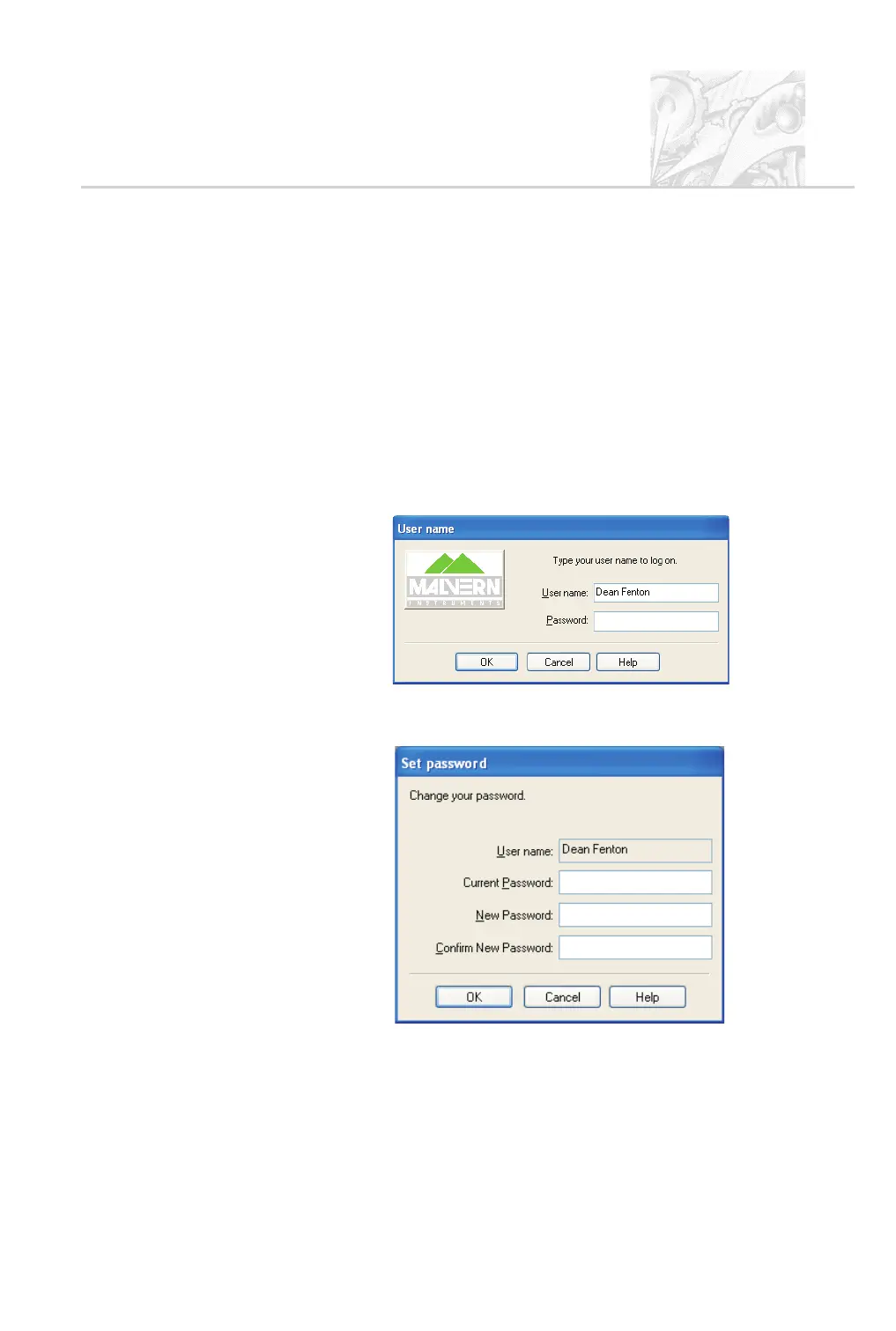
If security is configured, the user is asked for a password by this dialogue when
they try to log in:
If the administrator selected the User Must Change Password at Next Logon
check box (see above), the user sees this dialogue when they log in:
To change the user password, the user has to enter the current password and
specify a new password with confirmation. Pressing OK makes the change to the
security settings.
CHAPTER 9
Spraytec Page 9.7



 To Next Page