.
External Trigger – if this is selected the Spraytec will monitor any exter
-
nal trigger activity during an event and log the position of any trigger events
on the Size History plot. Users can use these trigger marks to group data
and to calculate the average particle size recorded across each group using
the Timed-Based Average option Average between trigger marks
(described in Chapter 5).
Output trigger
An output TTL trigger is provided to fire an external device connected to the
Spraytec’s TRIGGER OUTPUT port.
$
To set up a trigger:
.
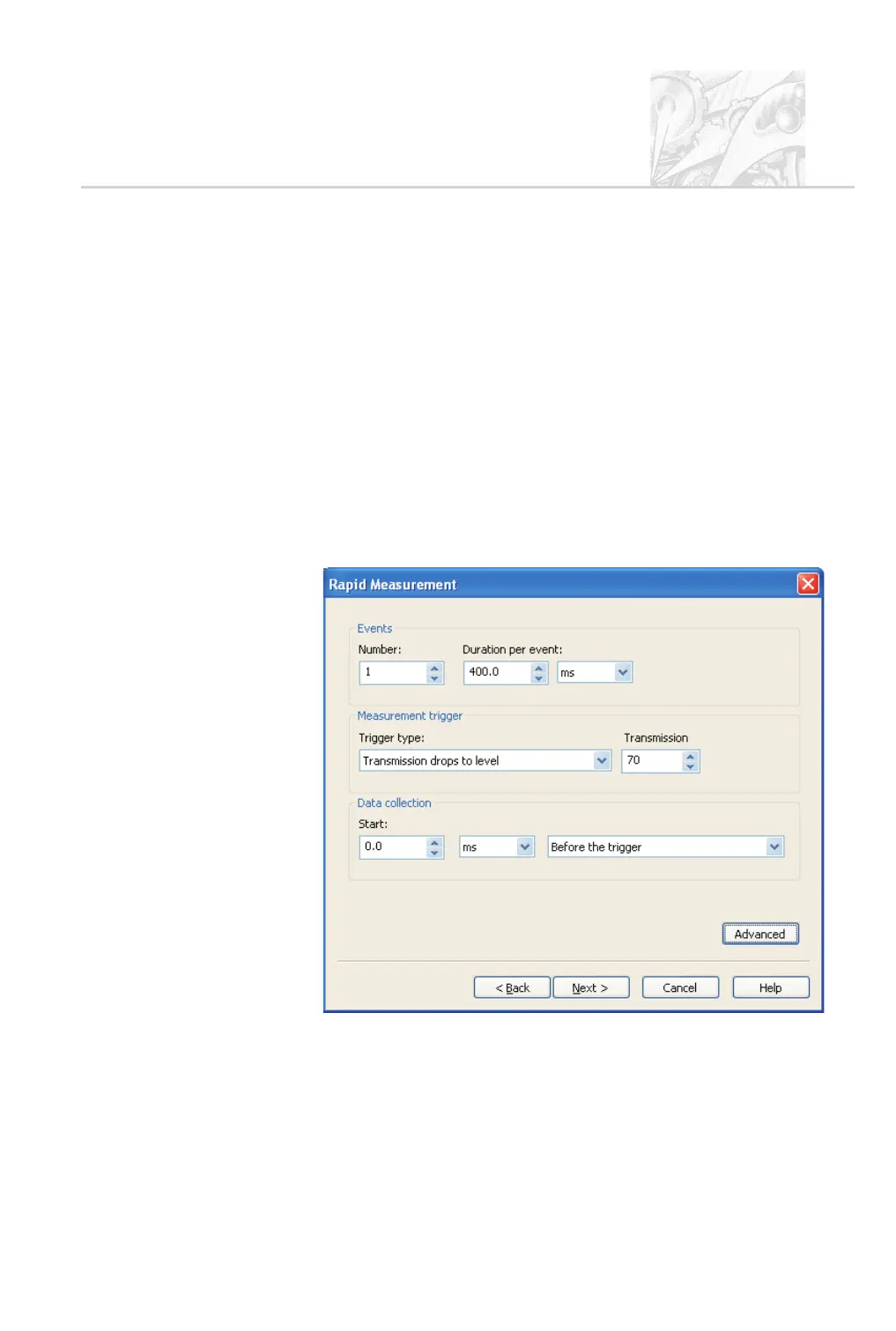
In the SOP wizard Measurement Setup dialogue, select the Enable out
-
put trigger check box. Clicking Next there opens the Rapid measure
-
ment dialogue shown below:
.
Under Events specify the number and duration of the event(s) needed to
trigger a measurement.
.
Under Measurement trigger select the trigger type in the list. The pa
-
rameters for each type differ, as follows:
CHAPTER 10
Spraytec Page 10.7



 To Next Page