With continuous sampling the measurement data is sent directly to the
computer and Spraytec software for analysis.
.
Timed – as continuous, but the measurement can be requested to stop after
a set amount of time. The stop time is set using the Minutes: and Sec
-
onds: boxes. These boxes only appear when the timed option is selected.
.
Rapid – this is used to measure rapid pulsed spray events, for example nasal
sprays, MDIs or fuel injectors, but can also be used for rapid measurements
of continuous sprays.
The data acquisition rate for the measurement data can be set between
2.5Hz and 2.5kHz. Due to the speed of data acquisition, data obtained
during a rapid measurement is stored by the instrument electronics until
the measurement finishes, then passed to the computer and Spraytec
software for analysis. The Spraytec Measurement Processor downloads the
measurement data from the instrument to the computer.
SOP structure
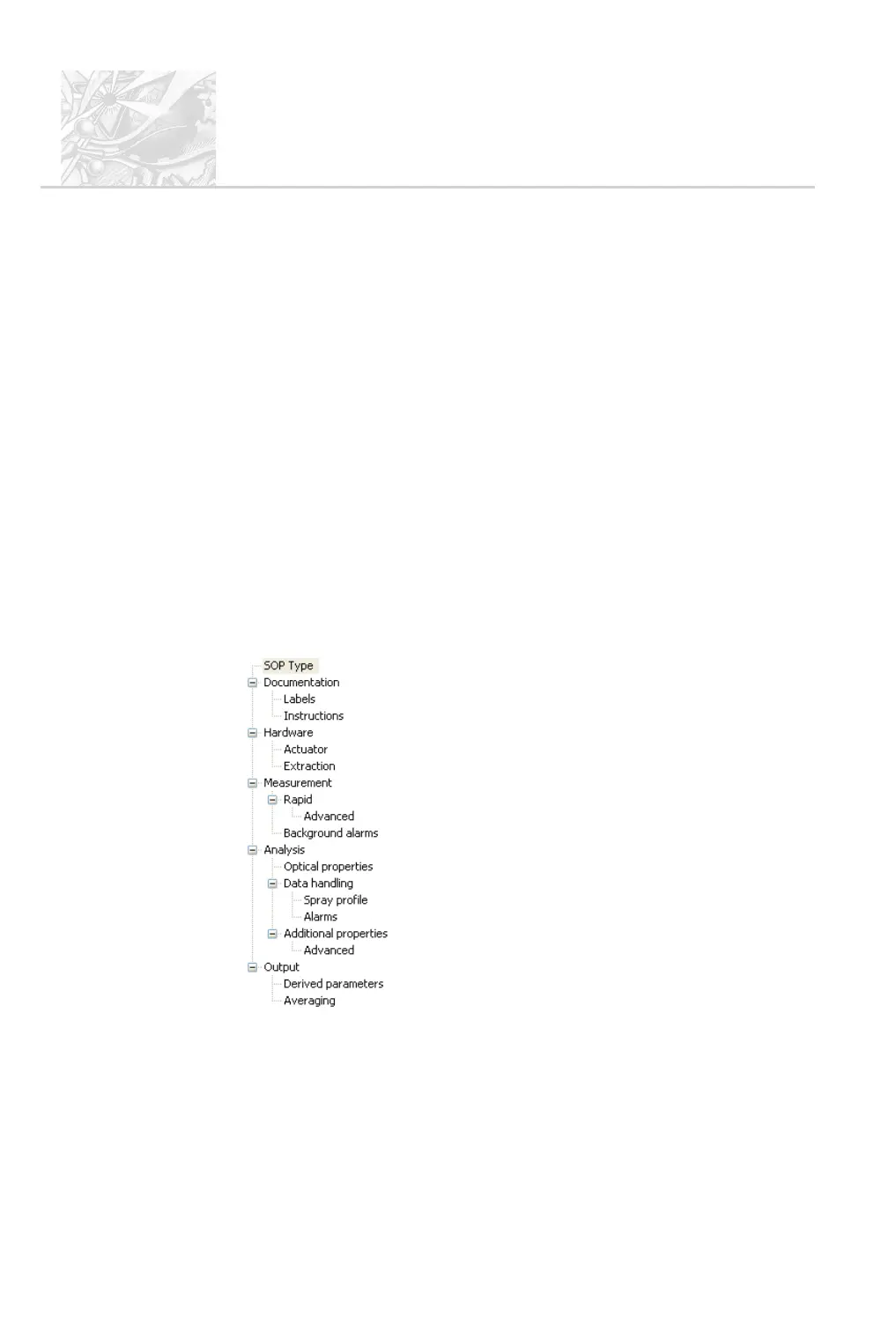
This graphic shows the basic stages in the SOP wizard and the parameters these
are concerned with:
SOP type – hardware, measurement type and lens.
Documentation – spray details, operator instructions.
Hardware – actuator type and details, extraction setup.
Measurement – background, use of output trigger.
Number of events, trigger type.
Filters, optical, electronic and expiry alarms.
Analysis – optical properties of the particle
Detectors to use, plume details
Scattering alarms
Curve fit and correlation
Output – parameters to report, how to average.
When an existing SOP is modified, this tree is shown to allow quick access to any
of the dialogues.
CHAPTER 5
Spraytec
Page 5.6 MAN 0368



 To Next Page