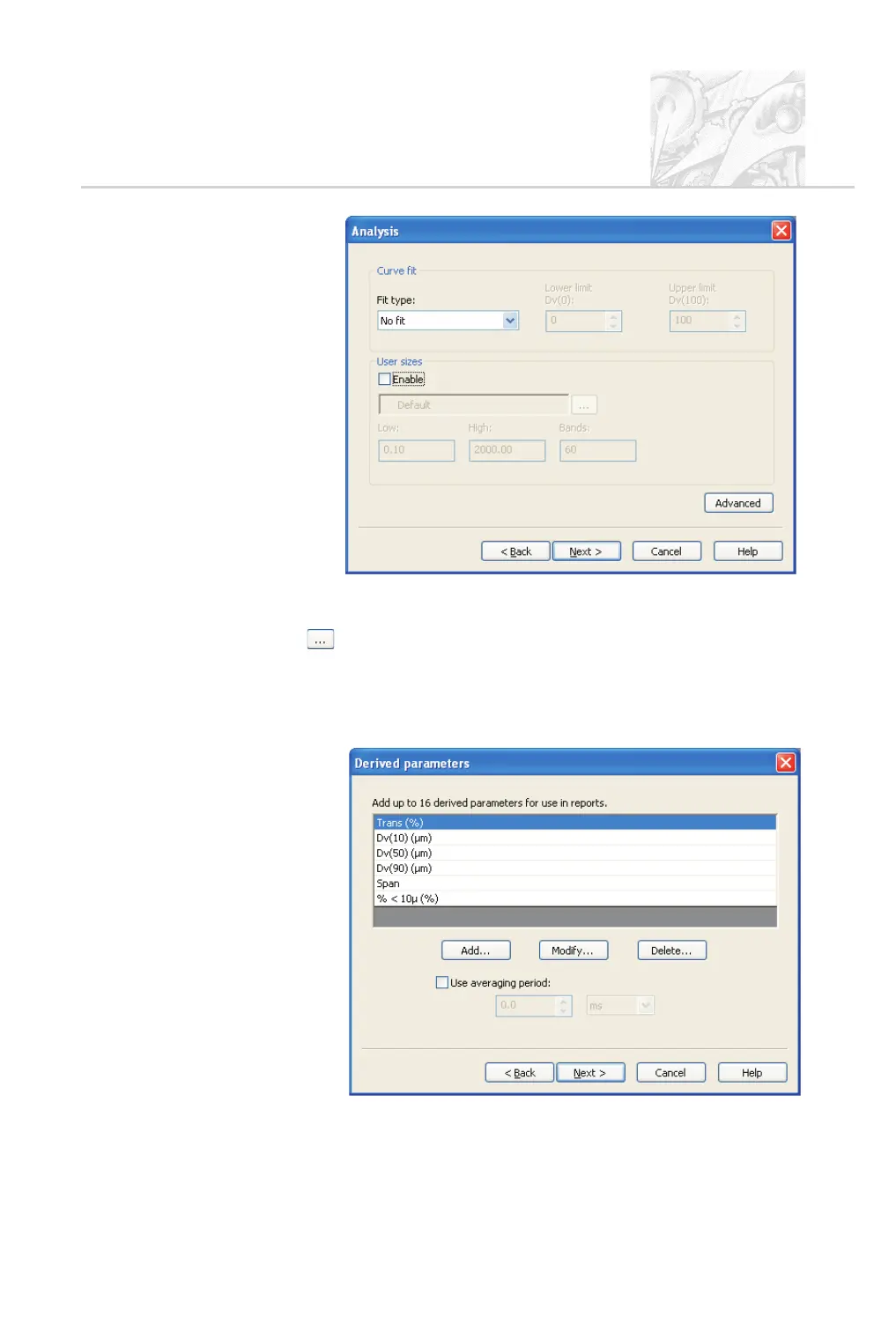
User size bands control the way data is aggregated; Chapter 6 has details.
To use a different set of bands, select the Enable check box and click the
button; Chapter 6 details the procedure.
.
If required to exclude small or large particles from the analysis, click the
Advanced button. Use the Minimum (µm) and Maximum (µm) pa-
rameters to specify the lower and upper size limits. Click OK to return to
the Analysis dialogue then click Next.
CHAPTER 5
Spraytec Page 5.19



 To Next Page