Replacing and Adjusting the Print Heads Adjusting the Print Heads
Sprinter User's Manual 9-5
Adjusting the Print Heads
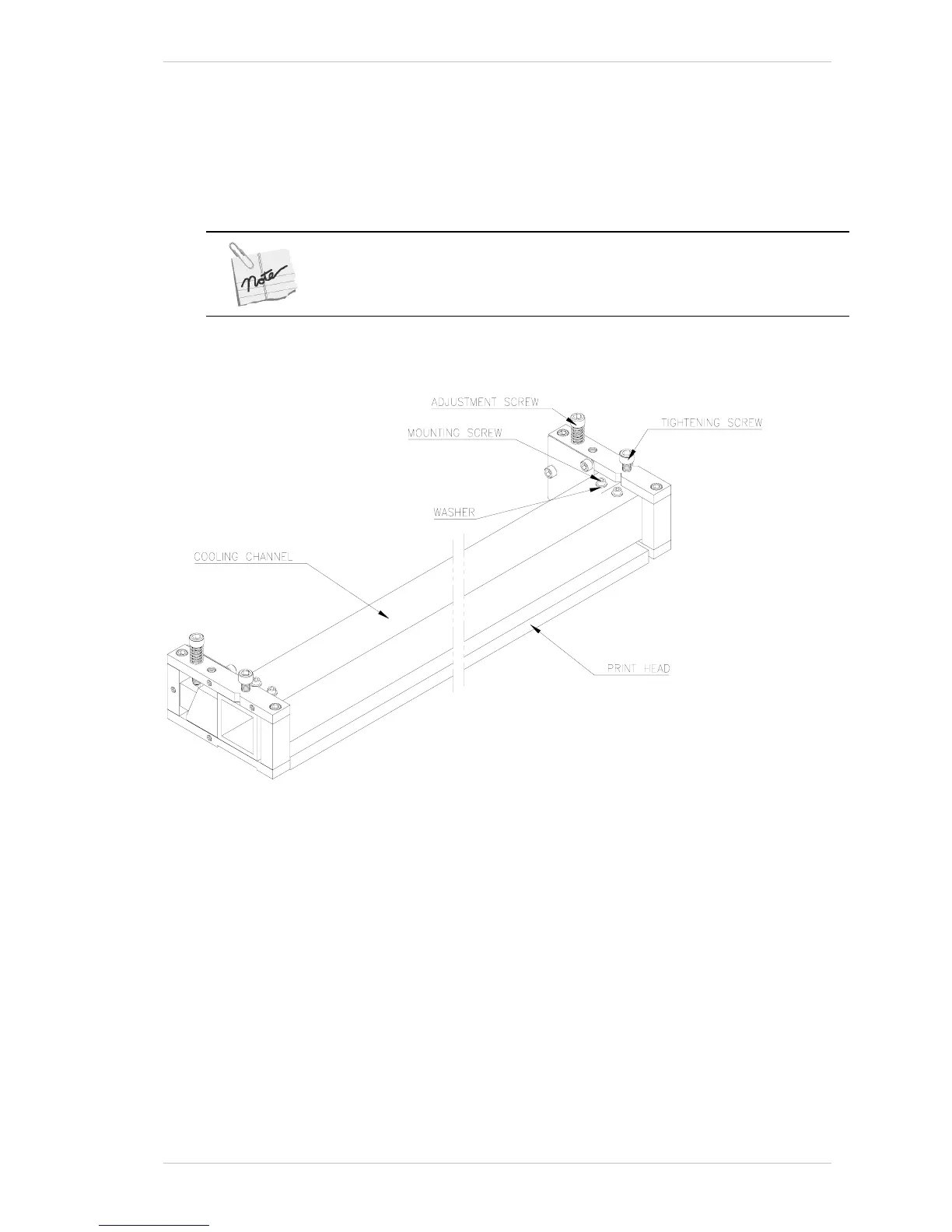
The following section describes how to adjust the PRINT HEADS. This is done
by adjusting the A
DJUSTMENT SCREWS and TIGHTENING SCREWS that are
located on the upper side of the PRINT HEAD ASSEMBLY (Figure 9-5).
Before making any adjustments, you must loosen the Tighten Screws that
hold the Locking Plate, at both ends of the aluminum profile and remember to
tighten them when you have completed the process.
Figure 9-5: The Print Head Assembly (with Head Card removed)



 To Next Page