Software Preparations for Printing Preparing Your Printer for Printing
8-28 Sprinter User's Manual
Setting the Preferences
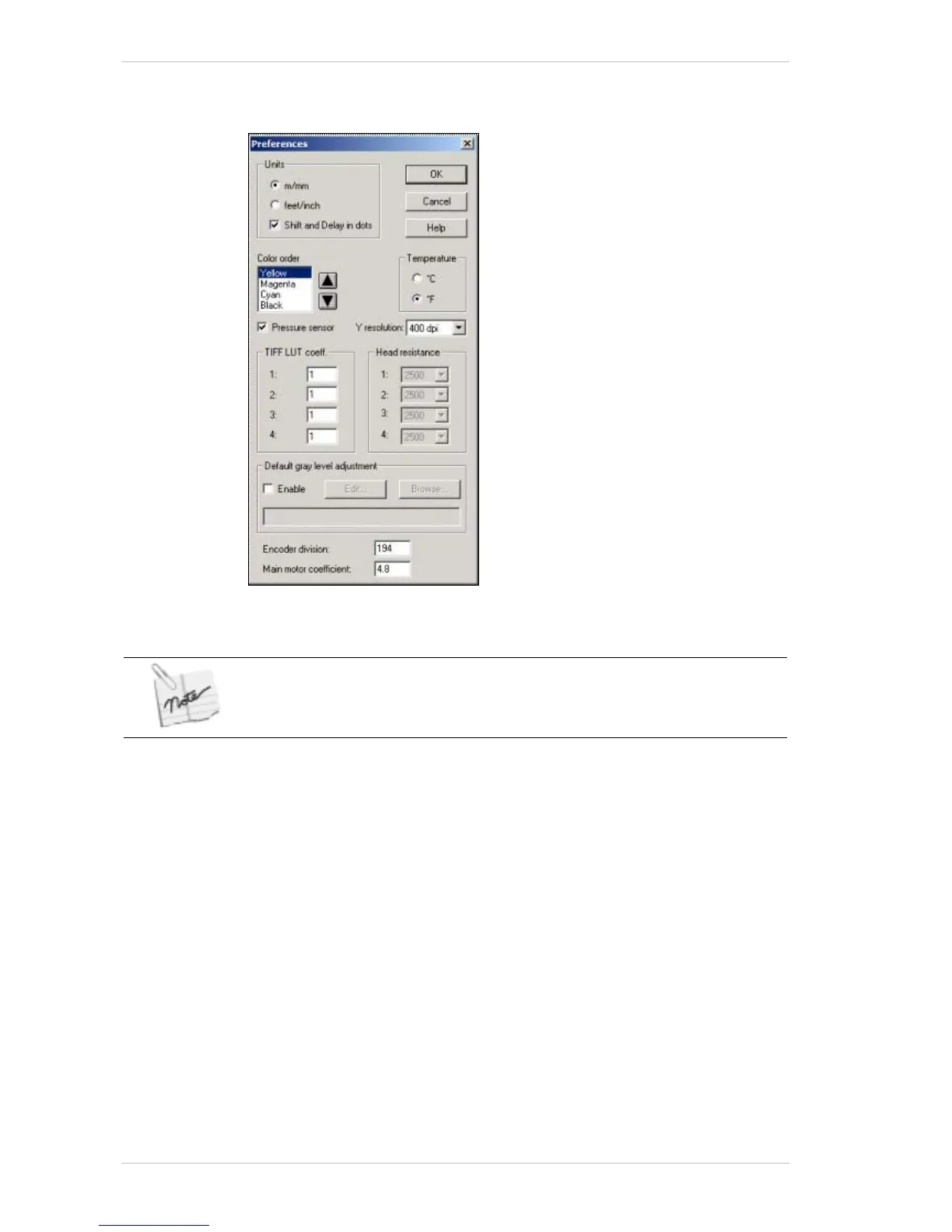
Figure 8-21: The Preferences dialog box
The Encoder Division and Main Motor Coefficient parameters must be checked
immediately after the software installation.
Use the P
REFERENCES dialog box to set your printing preferences.
Use the P
REFERENCES dialog box to specify the unit of measure and the
color order for printing. The H
EAD RESISTANCE feature is not yet
implemented.
Setting the Encoder Division and Main Motor Coefficient
These two parameters are related to the main pulling system.



 To Next Page