Preparing Your Printer for Printing Preliminary Preparations for Printing
Sprinter User's Manual 8-3
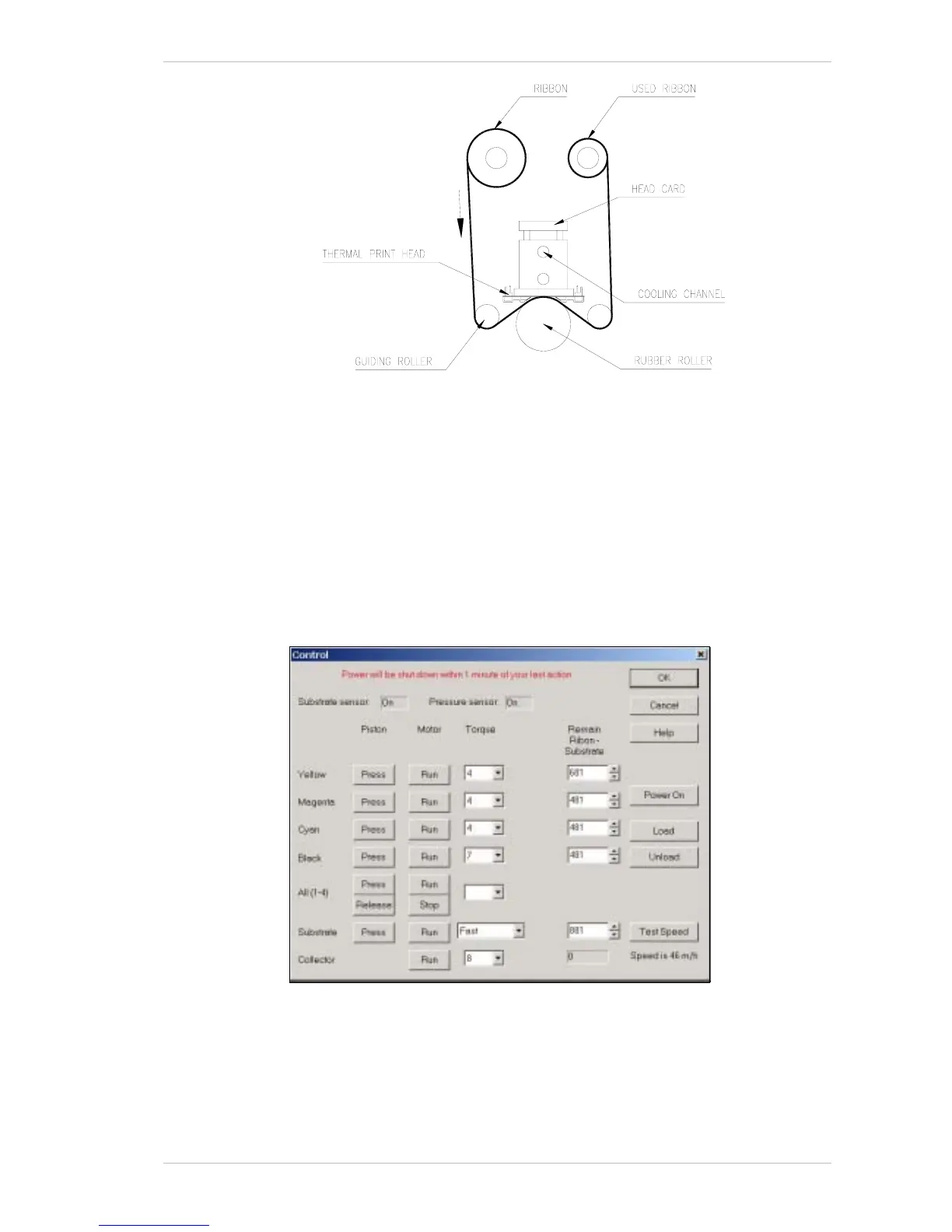
Figure 8-3: The Cooling Channel and Thermal Print Head
Loading or Replacing a Substrate Roll
Your Sprinter printer has been supplied with the SUBSTRATE installed, but
not loaded onto the T
AKE-UP CORE. Our technician will load it for you.
To install a new S
UBSTRATE ROLL or replace an existing one, carry out the
following procedures.
You can either replace the S
UBSTRATE ROLL before it is completely used or
when the S
UBSTRATE CORE is empty.
Figure 8-4: The Control Panel Dialog Box



 To Next Page