Sprinter User's Manual 6-1
6 Around the Windows
This chapter describes all the main functions of the software and
illustrates most of the windows and dialog boxes that you see while
working in the application.
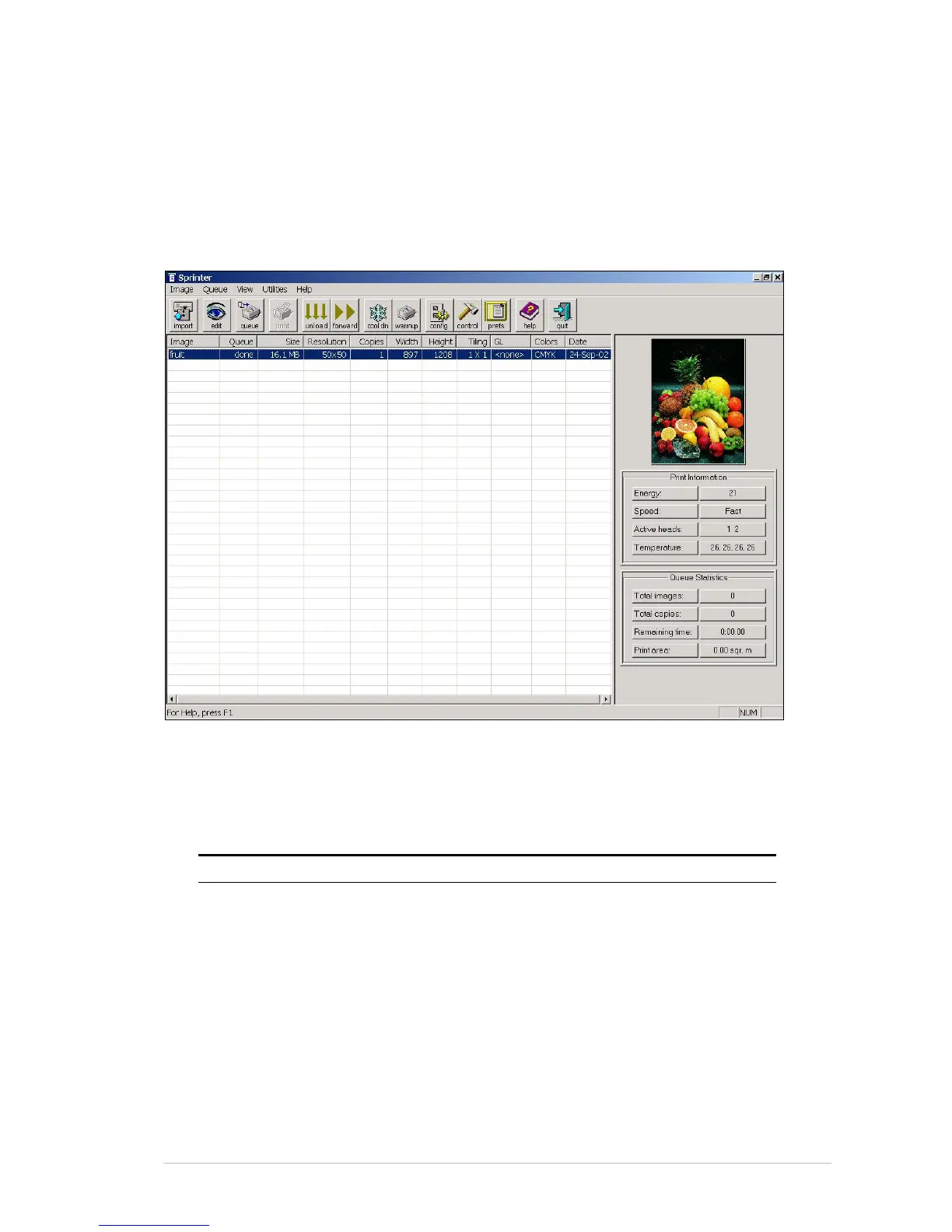
About the SprinterB Main Screen
Figure 6-1: The SprinterB Main Screen
The Menu Bar
The MENU BAR gives you access to different tools and functions.
Use this Menu To.... Shortcut
Image Import
Edit
Rotate 90°
Rename
Delete
Delete Done
Print
Exit
Ctrl+I
Ctrl+E
Ctrl+9
Ctrl+R
Ctrl+D
Ctrl+P
Alt+F4



 To Next Page