General Description Technical Description
Sprinter User's Manual 3-13
The Emergency Stop Buttons
The printer is equipped with two EMERGENCY STOP BUTTONS. One of which is
located at the front of the printer and the other, at the rear. (See
Figure 3-1, page 3-2 and Figure 3-2, page 3-2).
These buttons operate manually, and when pressed, all power SHUTS
OFF.
E
MERGENCY STOP BUTTONS should be activated in any emergency situation.
To release the E
MERGENCY STOP BUTTONS, turn the button to the left and
push the button next to the C
IRCUIT BREAKERS at the MAIN SWITCH BOX.
Any unprinted file will be saved and will remain on the P
RINT MENU. The file
that was being printed when the printer stopped will be saved in its
entirety.
The Safety Micro Switches
The printer is equipped with five SAFETY MICRO SWITCHES. Each switch is
located adjacent to a cover. When a cover is open, the printer will not
operate. Its S
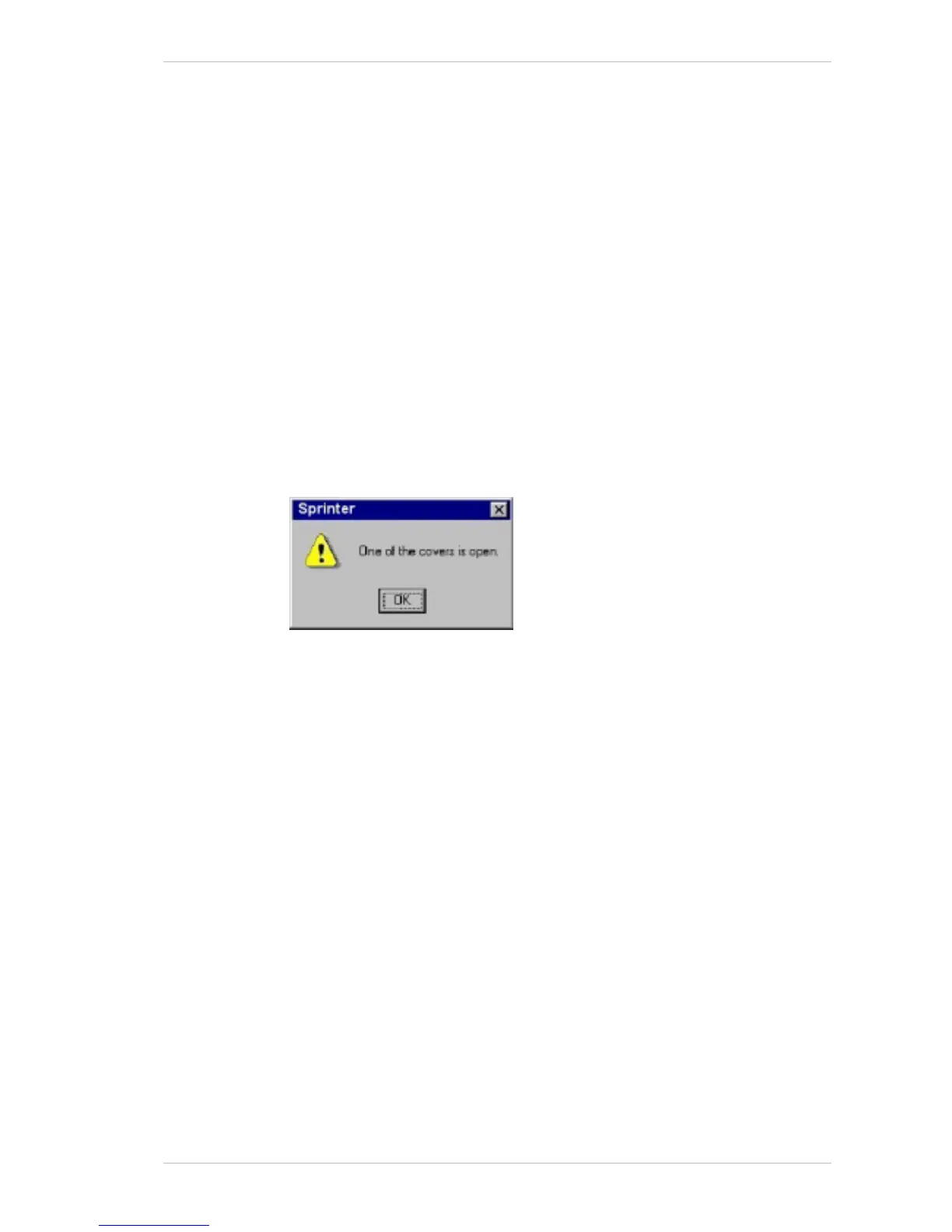
AFETY MICRO SWITCH is activated, and a warning appears on
the screen, as illustrated below..
Figure 3-18 The Open Cover Warning Window



 To Next Page