Software Preparations for Printing Preparing Your Printer for Printing
8-16 Sprinter User's Manual
Deleting a Substrate Type
! To Delete a Substrate Type:
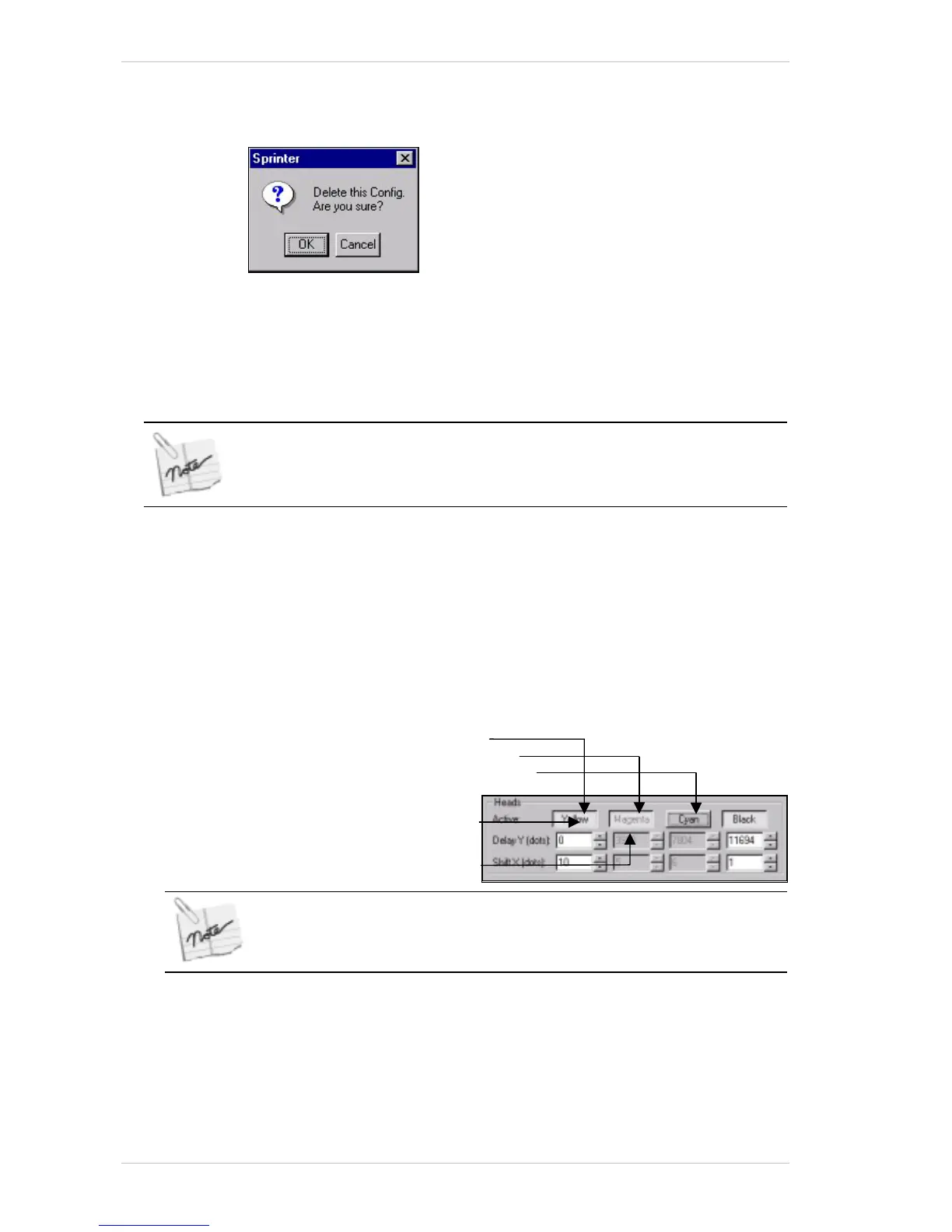
Figure 8-18: The Delete Config Window
1. From the CONFIGURATION dialog box, click Delete.
A window opens and prompts you to either confirm deletion or cancel.
(Figure 8-18).
2. Click OK to confirm the delete command.
You cannot delete a factory-set substrate type.
Selecting Active Printing Heads
! To select the Active Printing Heads:
1. From the M
AIN SCREEN, click CONFIG or from the UTILITIES menu, choose
C
ONFIGURATION. The CONFIGURATION dialog box appears (Error!
Reference source not found.).
2. In the H
EADS group box, check the ACTIVE HEAD boxes according to the
colors you wish to use.
Click a color for one of the following settings:
Piston Up and printing
Piston Up and not printing
Piston Down and not printing
If a particular Active Head is not selected, its motor remains inactive and no
data is sent to that head. When loading Substrate, the de-activated station
will not load.
Color name in Black
Color name in Gray



 To Next Page