Sprinter User's Manual 5-1
5 Installing the Software
This chapter details the software installation procedure.
Installing the Software
You download the Matan software from out Web site.
To download and Install the SprinterB Software:
1. Open our Web site www.matan.co.il
.
2. Click T
ECHNICAL SUPPORT.
The T
ECHNICAL SUPPORT Page opens.
3. Click L
OG IN TO THE MEMBERS’ AREA.
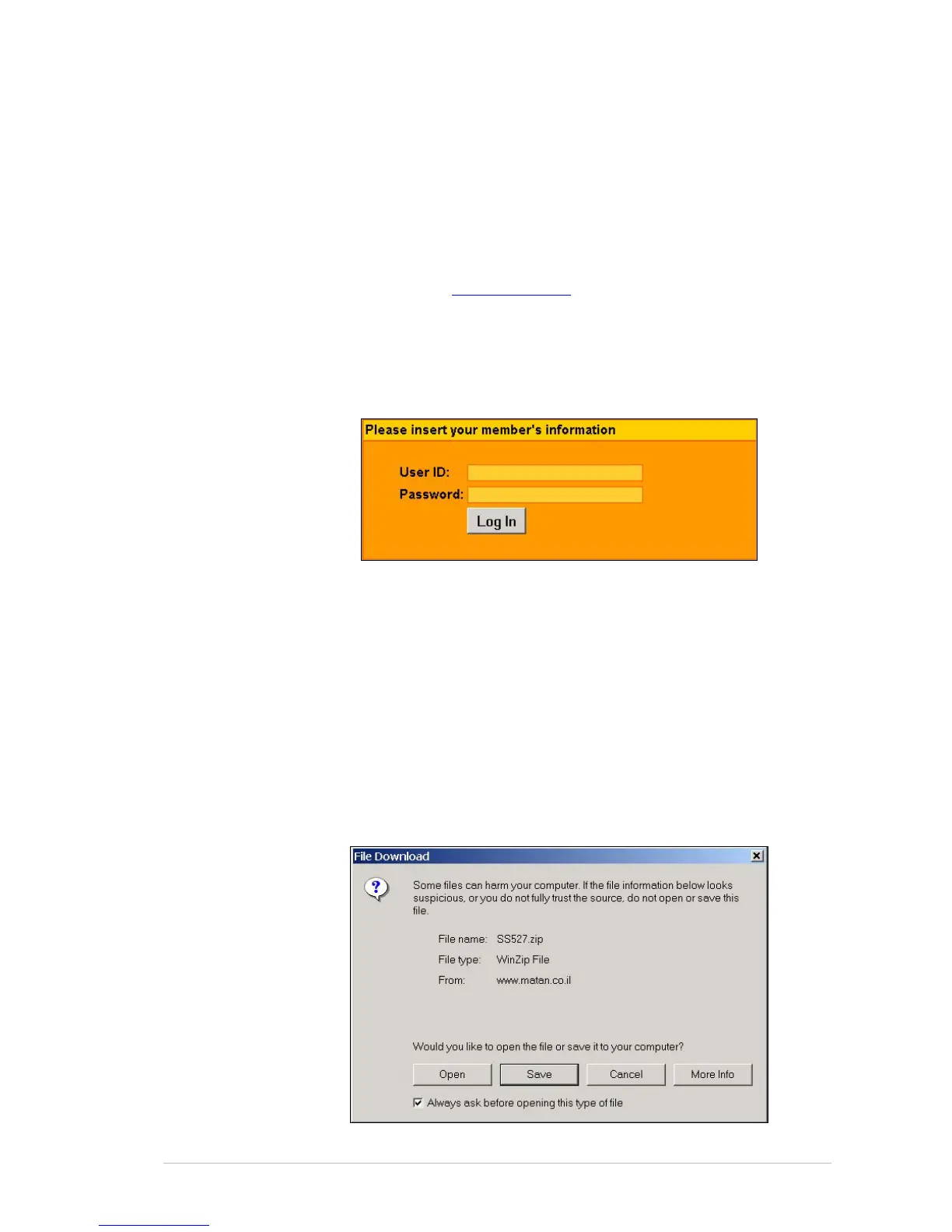
The L
OG IN window appears.
4. Enter your username (not case sensitive) and password you received
from your Matan distributor.
5. Click L
OGIN.
The D
OWNLOADS AREA page opens.
6. Click S
OFTWARE DOWNLOADS.
The S
OFTWARE DOWNLOADS page opens.
7. Click S
PRINTER & SPARK SOFTWARE.
The D
OWNLOADS AREA page opens.
8. Enter your personal information as requested and click C
ONTINUE
DOWNLOAD.
The F
ILE DOWNLOAD window opens.



 To Next Page