General Description Technical Description
Sprinter User's Manual 3-11
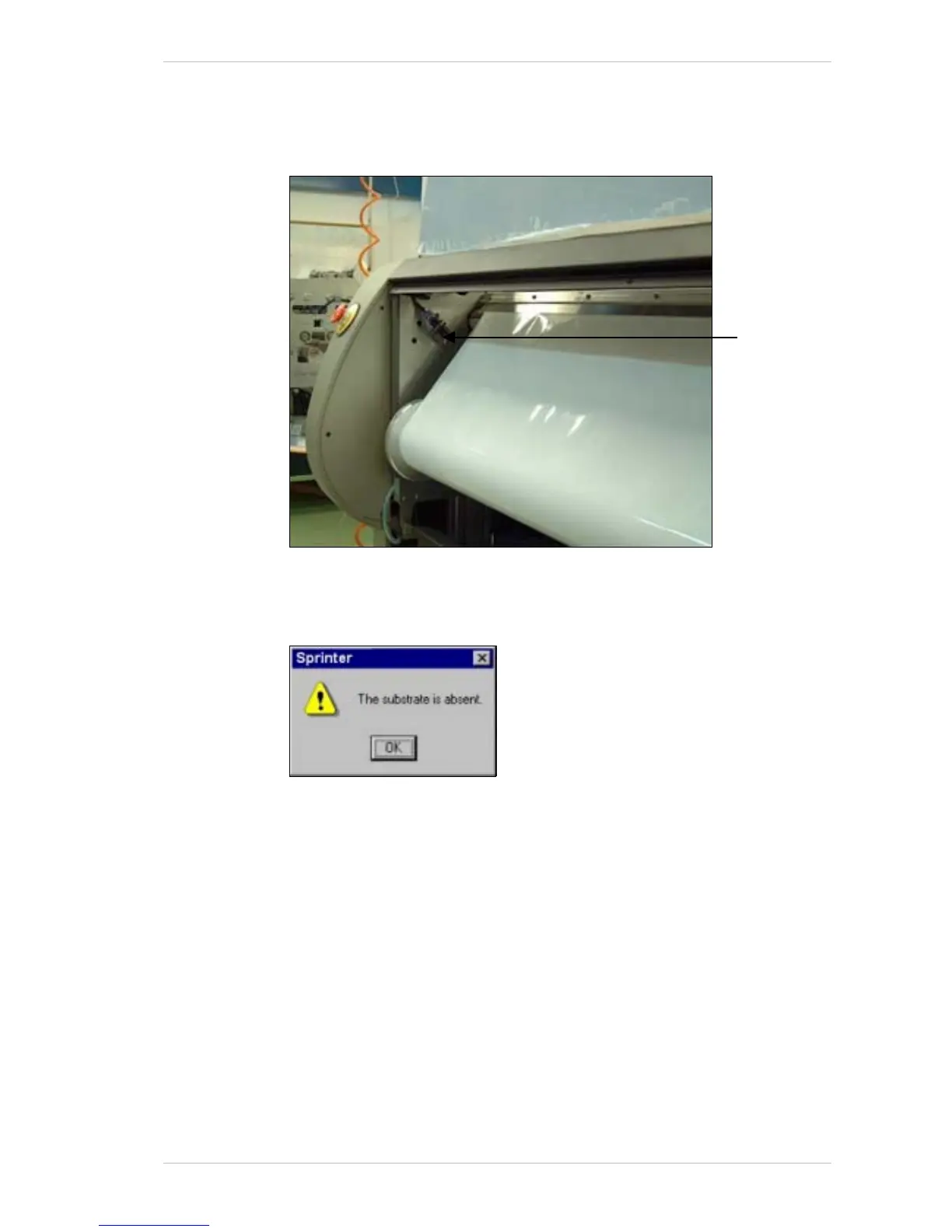
The Optic Sensor
The OPTIC SENSOR monitors the presence of the SUBSTRATE. It does not
monitor transparent S
UBSTRATES.
Figure 3-15: The Optic Sensor
When the end of the SUBSTRATE is detected, the SUBSTRATE ABSENT window
appears (Figure 3-16).
Figure 3-16: The Substrate Absent Window
The printers stops and carries out the unload procedure.
Any unprinted file will be saved and will remain on the P
RINT MENU. The file
that was being printed when the printer stopped will be saved.
Optic Senso



 To Next Page