The Image Menu Around the Windows
6-10 Sprinter User's Manual
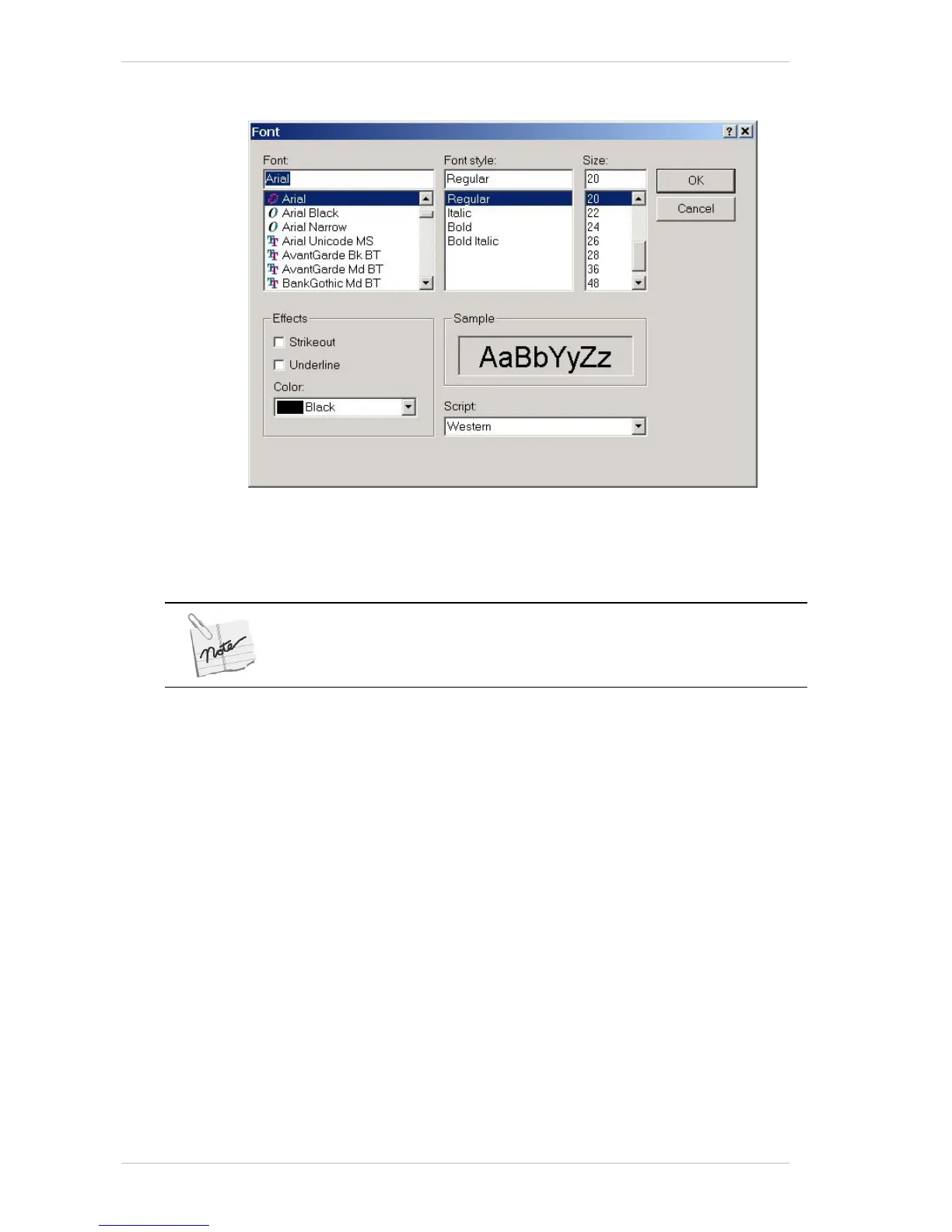
Serial Number Font Dialog Box
Figure 6-7: The Serial Number Font Dialog Box
You use the SERIAL NUMBER FONT dialog box to specify the font format of
the S
ERIAL NUMBER, but not its color.
You cannot specify the Serial Number’s color from this dialog box.
You access this dialog box by clicking the S
ERIAL NUMBER button (12345…)
in the E
DIT dialog box.



 To Next Page