Software Preparations for Printing Preparing Your Printer for Printing
8-14 Sprinter User's Manual
The recommended temperature is 32°C – 35°C.
! To cool down the Print Heads to the required temperature:
1. From the M
AIN SCREEN, click COOL DN.
The
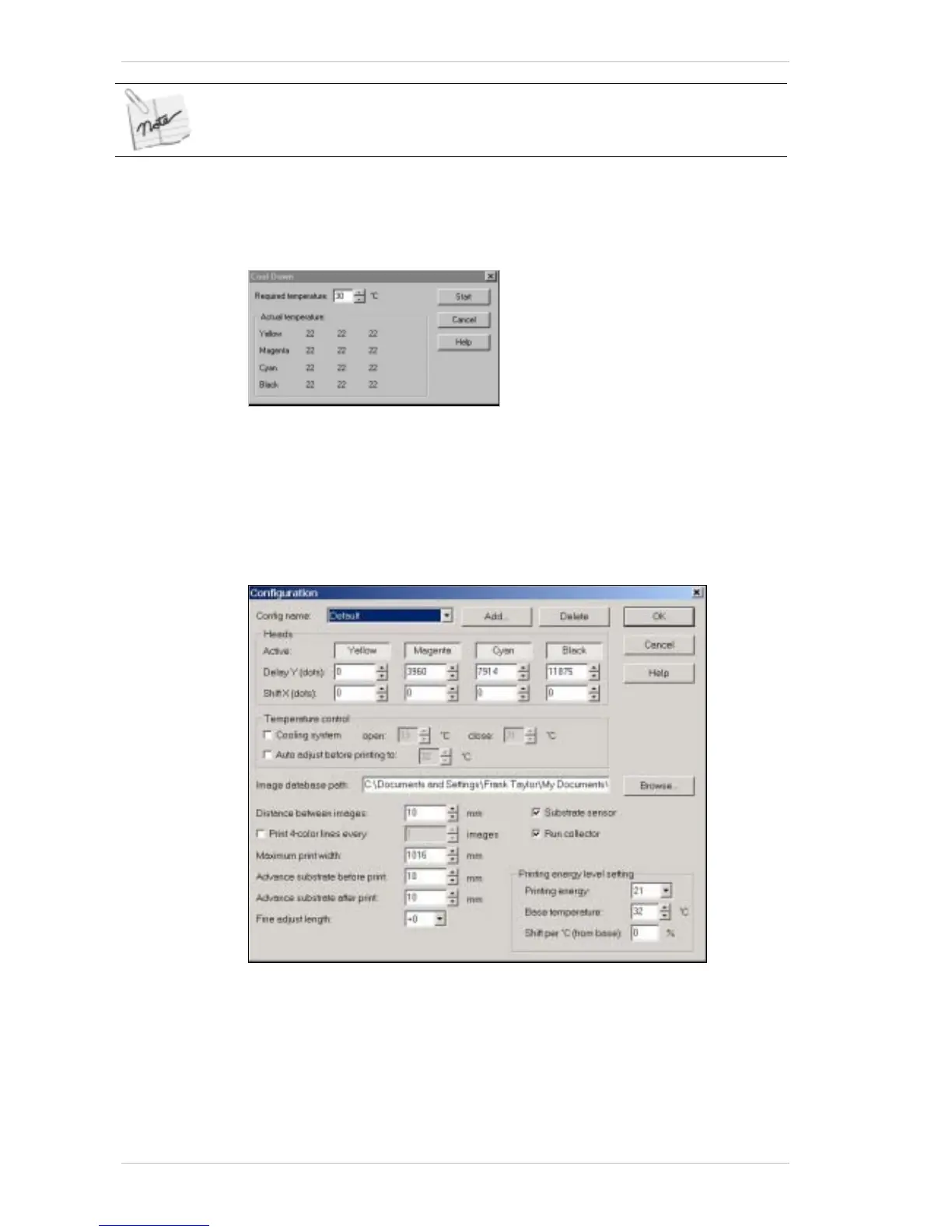
COOL DOWN. dialog box appears (Figure 8-15).
Figure 8-15: The Cool Down Dialog Box
2. Select the required temperature from the REQUIRED TEMPERATURE spin
box.
3. Click S
TART to initiate the process.
Configuring the SprinterB Printer
Figure 8-16: The Configuration Dialog Box
Use the CONFIGURATION dialog box to carry out a comprehensive
configuration of your SprinterB printer.
The various settings for the P
RINTING HEADS are made in this box, as well
as those for specifying the S
UBSTRATE type, INK type, PRINTING ENERGY.
Various print measurement settings are made in this dialog box as well.



 To Next Page