Creating Files for the SprinterB Printer Setting up a PS driver
Sprinter User's Manual 11-15
If you selected any options in the LABELS & MARKS group box from the
Imaging tab, you must specify a page size that is large enough to
display those options.
This is done by C
USTOM paper size and then entering the relevant
dimensions.
17. Select the Automatic Orientation.
18. Click OK and click S
AVE.
Another window appears and we recommend you, as the F
ONT
INCLUSION
option, to select All.
19. Enter the file name and click S
AVE.
The file is now ready to be sent to RIP.
Preparing a PS file with Illustrator
The following illustration is taken from Illustrator version 8. The
procedures are correct for all versions.
To prepare a PS file with Illustrator:
1. From the F
ILE menu of the MAIN SCREEN in Illustrator, select PRINT.
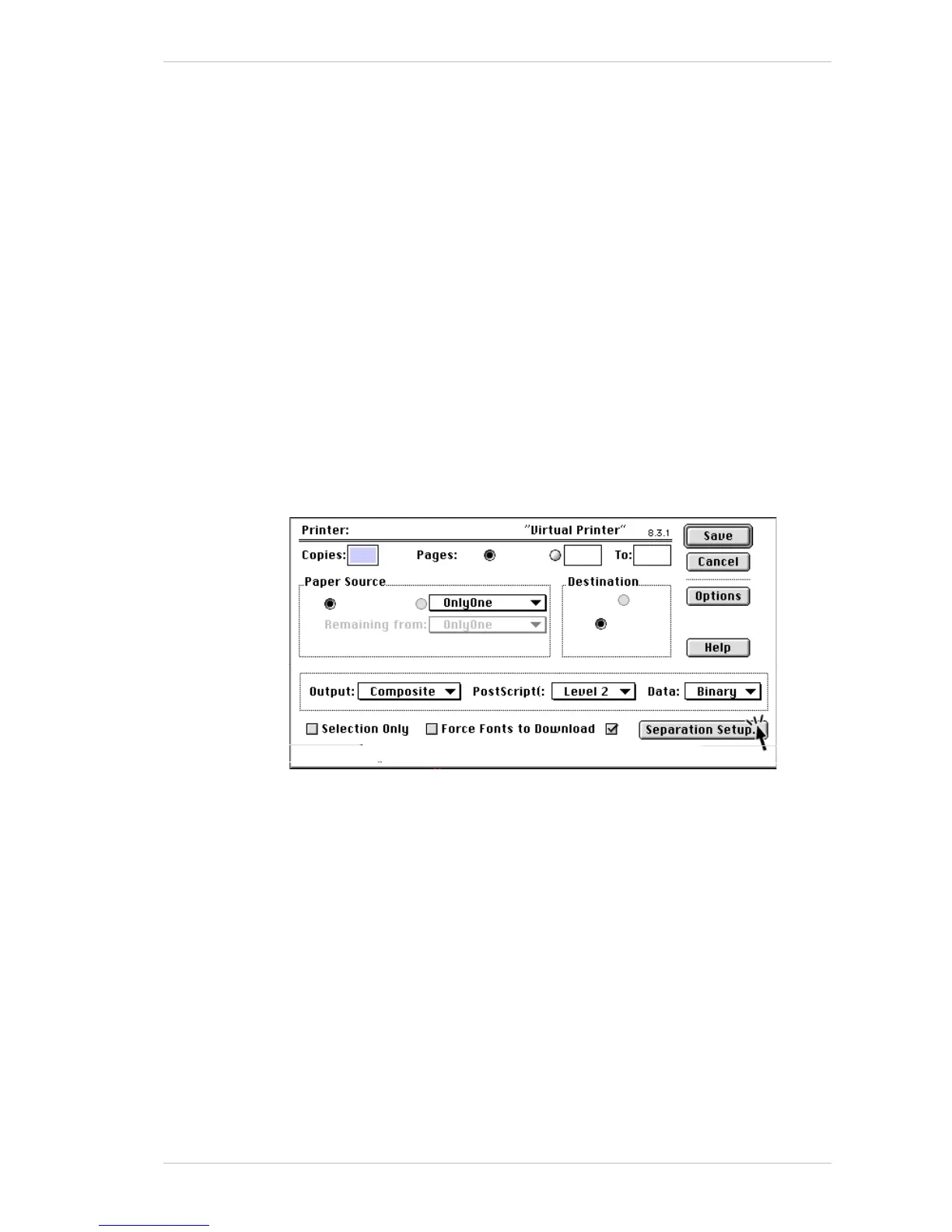
The following window appears.
2. Ensure that the O
UTPUT option is set at COMPOSITE, the DATA at BINARY
and that the F
ORCE FONTS TO DOWNLOAD option is checked.
3. Click S
EPARATION SETUP.
The following window appears.



 To Next Page