Setting up a PS driver Creating Files for the SprinterB Printer
11-14 Sprinter User's Manual
7. Ensure that all the colors that you have used are checked.
8. 9................................................................................................................. In the H
ALFTO
Set the TRANSFER FUNCTION to NORMALIZE.
10. If you want to overlap objects in the file, select the required number of
points in the S
PREAD SIZE field.
If not, select D
EFAULT.
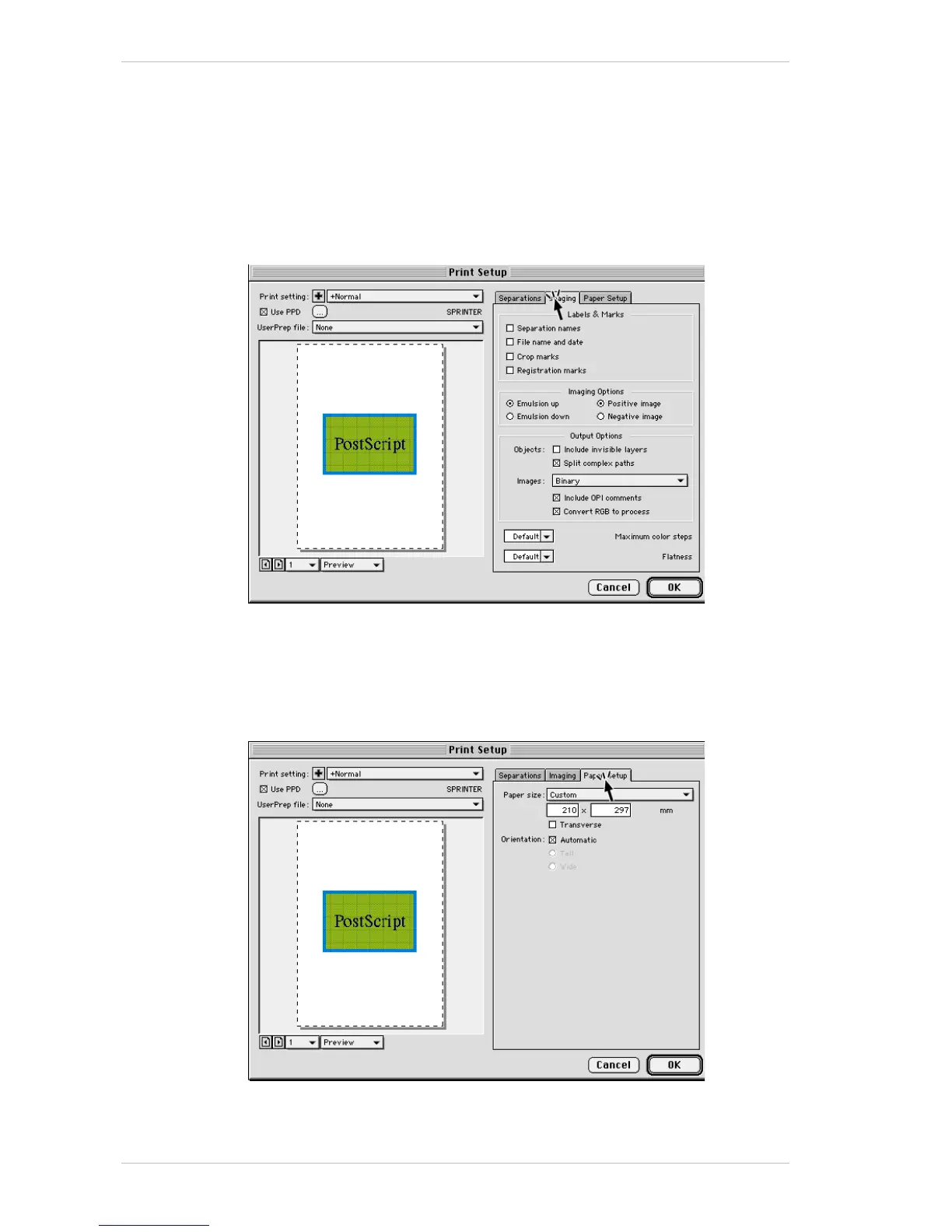
11. Open the I
MAGING tab.
12. In the L
ABELS & MARKS group box, select the required options.
13. In the I
MAGING OPTIONS group box, select the required options.
14. In the O
UTPUT OPTIONS group box, leave the defaulted options as they
are, but in the Images field, select B
INARY.
15. Open the P
AGE SETUP tab.
16. Select the required paper size.



 To Next Page