Software Preparations for Printing Preparing Your Printer for Printing
8-24 Sprinter User's Manual
3. Specify the required font format.
4. Click OK.
If required, check the T
RANSPARENT option (see above).
5. Select the required color(s) of the S
ERIAL NUMBER.
6. From the F
ROM # drop-down combo box, enter or select the number of
the first serial number you want to appear.
7. In the O
FFSET X and OFFSET Y fields, enter the required coefficient
location of the S
ERIAL NUMBER.
The S
ERIAL NUMBER’S location is set at the top left-hand corner of the
number.
Setting the Pistons and Motors Parameters
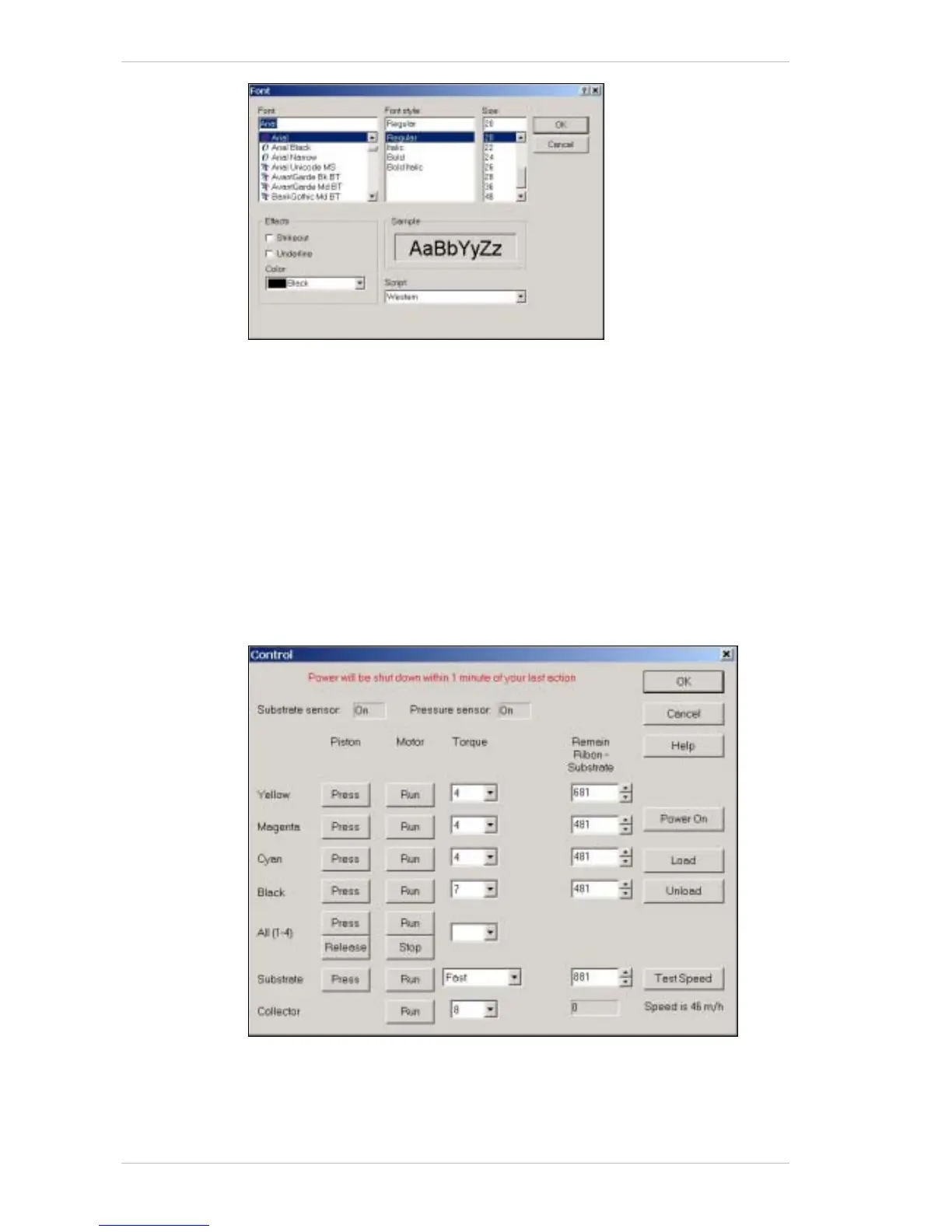
Figure 8-20: The Control Dialog Box



 To Next Page